GETTING STARTED WITH MIXO
1. Download the desktop app from the DOWNLOAD PAGE.
2. Connect your cloud storage (Google Drive, Dropbox, OneDrive) or select DESKTOP only to start.
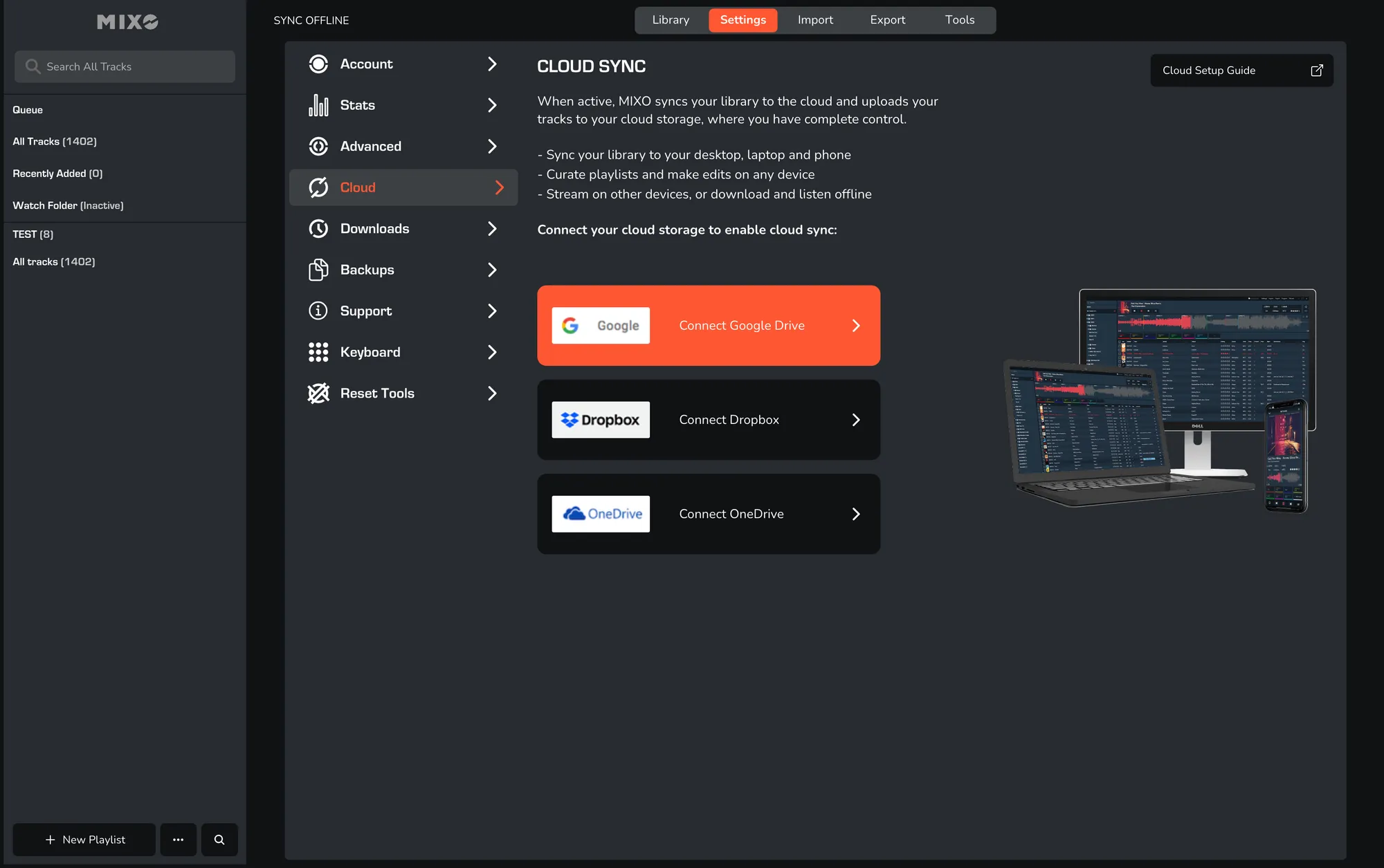
3. Import a small number of single tracks to begin.
4. Once confirmed, import multiple playlists from Apple Music/iTunes, Cross DJ, DEX, DJAY Pro, DJUCED, Engine DJ, Mixxx, Rekordox, Serato, Traktor, Ultramixer, Virtual DJ or any DJ Software via M3U and XML formats!
5. Monitor progress in the IMPORT view as MIXO analyses and uploads tracks to your cloud storage.
6. View your completed library by navigating to ALL TRACKS.
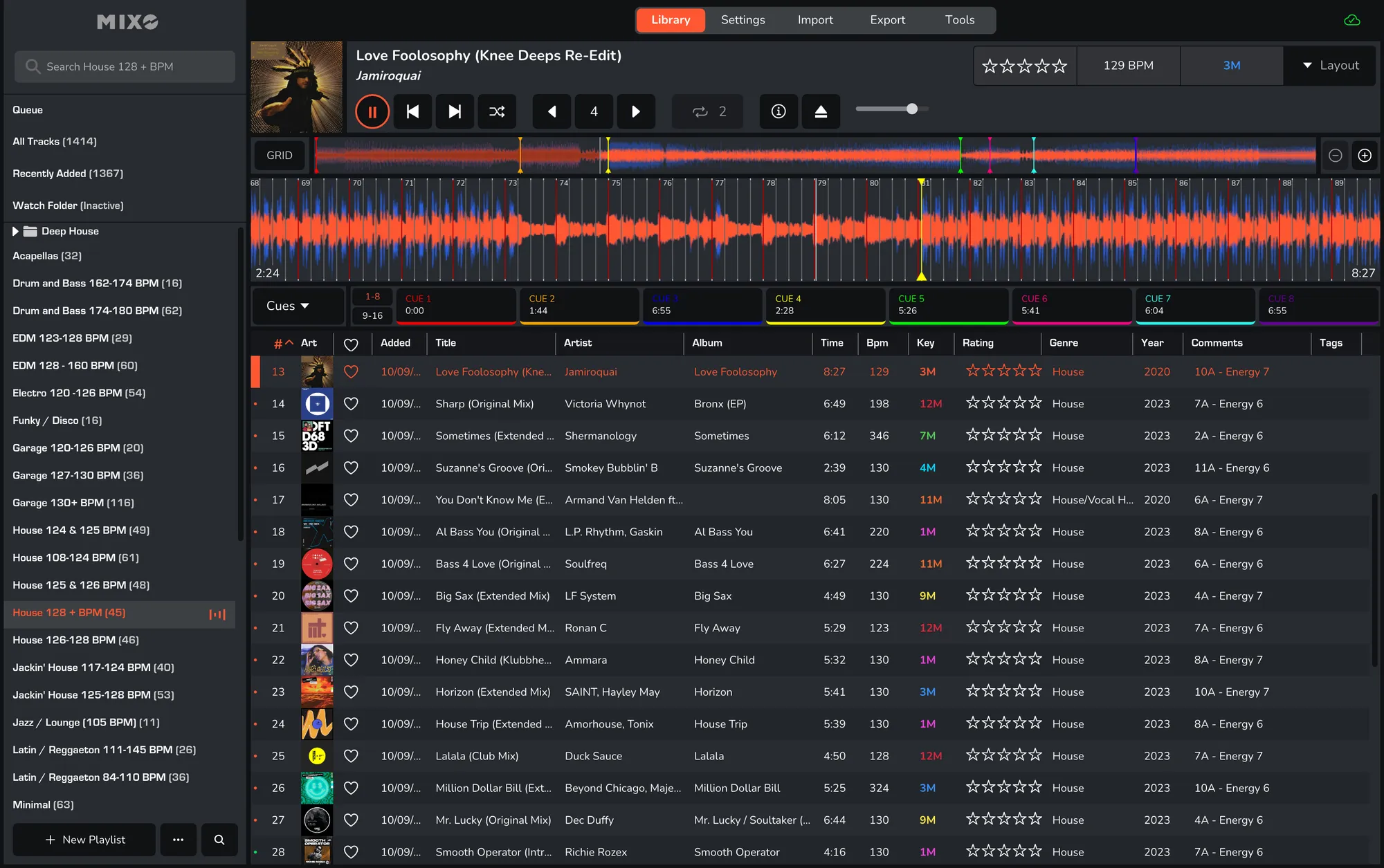
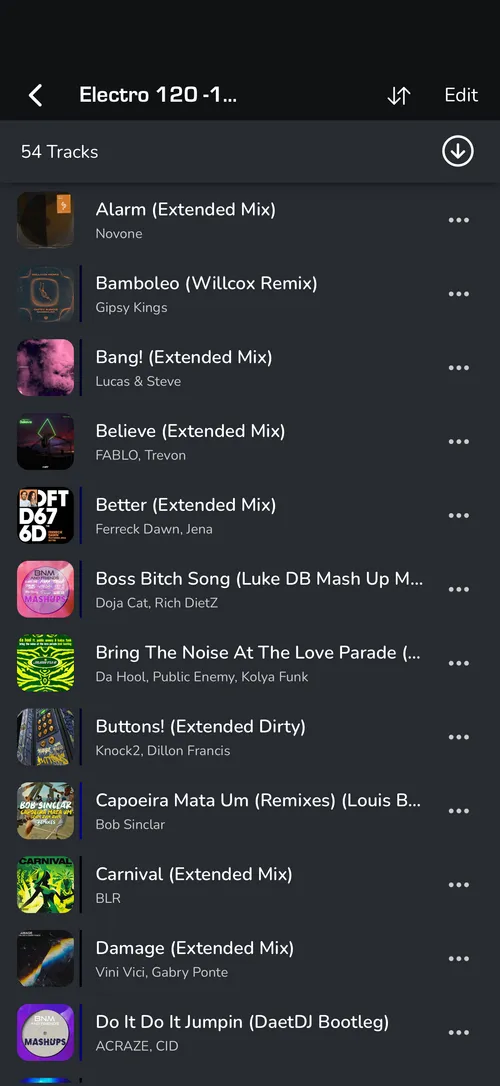
7. Install the MIXO Mobile App and log in to sync your library to your phone.
8. Upgrade to MIXO:GOLD via the upgrade button at the top of the screen to maintain syncing across multiple devices after your 7-day trial.