CONNECT DROPBOX
Before you start, please be aware that Dropbox does not allow specific characters in file or folder names. Ensure your tracks do not contain the following:
/ (forward slash),
\ (backslash),
< (less than),
> (greater than),
: (colon),
" (double quote),
| (vertical bar),
? (question mark),
* (asterisk),
. (period),
emojis/emoticons.
TO CONNECT DROPBOX
1. Navigate to Settings -> Cloud.
2. Click the "Connect Dropbox" button.

3. Follow the Dropbox Sign-in procedure in the next window.
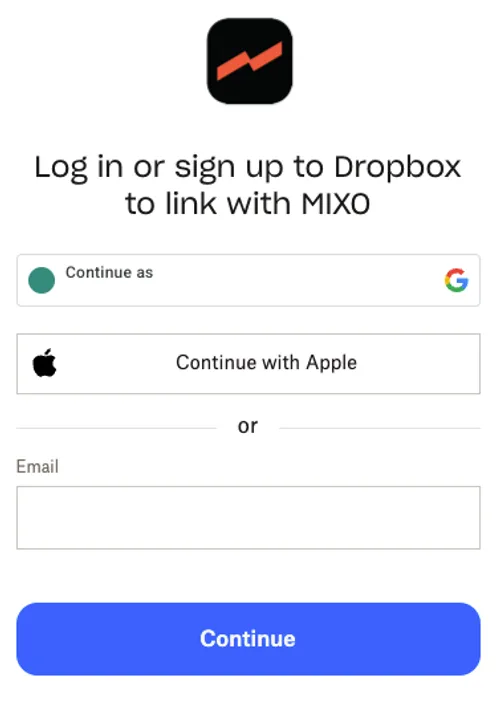
Once signed in, your Dropbox will be connected to MIXO and your tracks will automatically start uploading to your cloud.
We recommend you use a NEW cloud storage account for your MIXO Music sync.