VIEW & EDIT TRACK INFO YOUR ON PHONE
There are two different ways to view and edit track information on your phone:
PLAYER VIEW
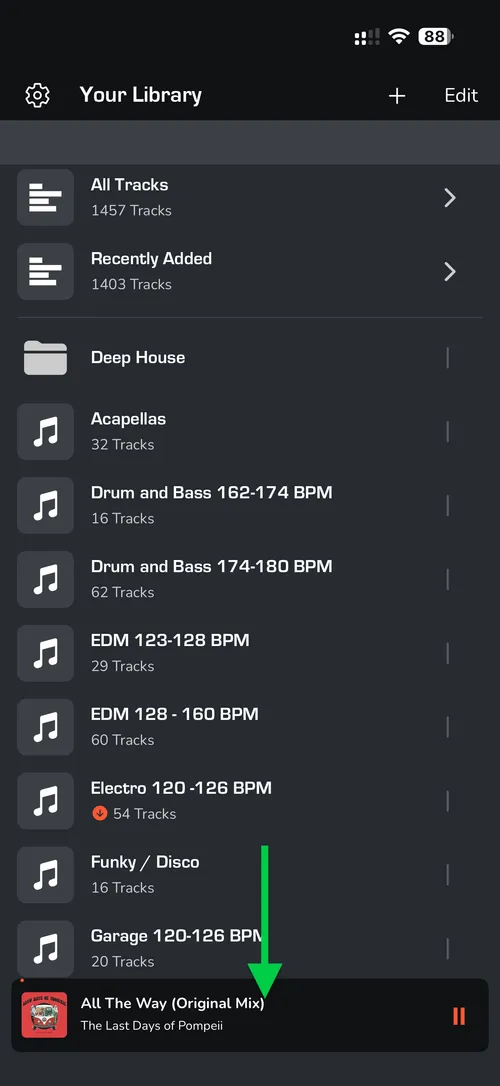
- When a track is selected, expand the PLAYER view to see the track details.
- To edit, click the (i) icon in the bottom left.
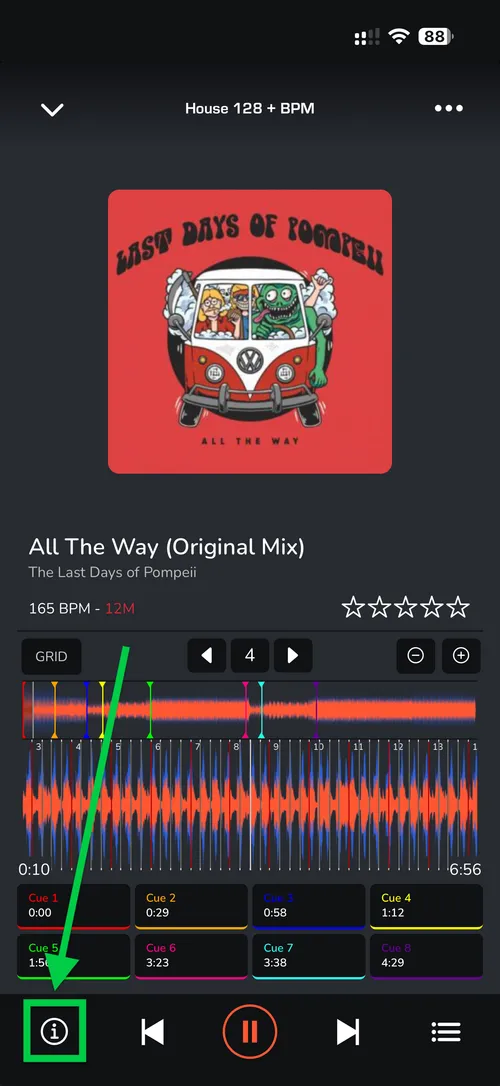
- Once the 'TRACK DETAILS' appear, tap the EDIT button to make changes.
LIST VIEW
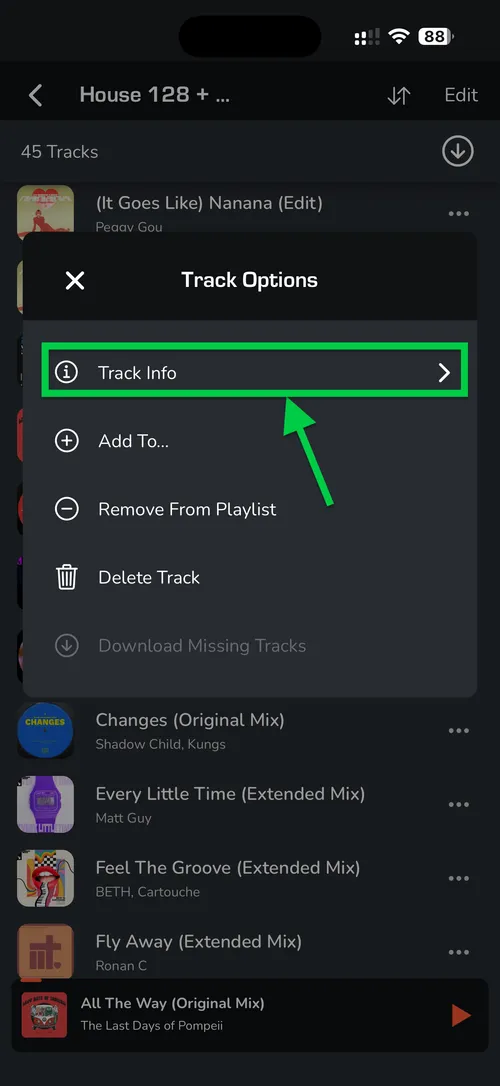
- In ALL TRACKS or PLAYLIST views, select the THREE DOTS (...) on the right-hand side of the track.
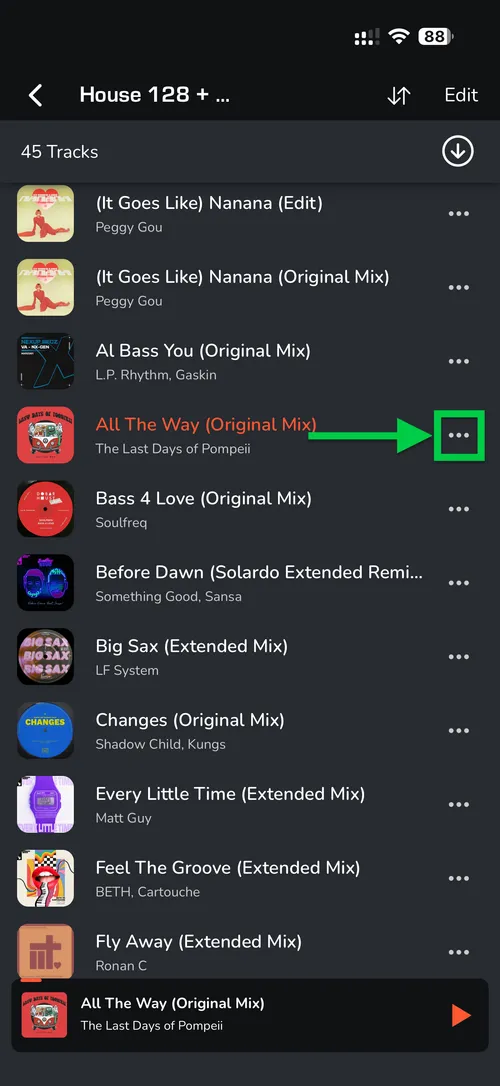
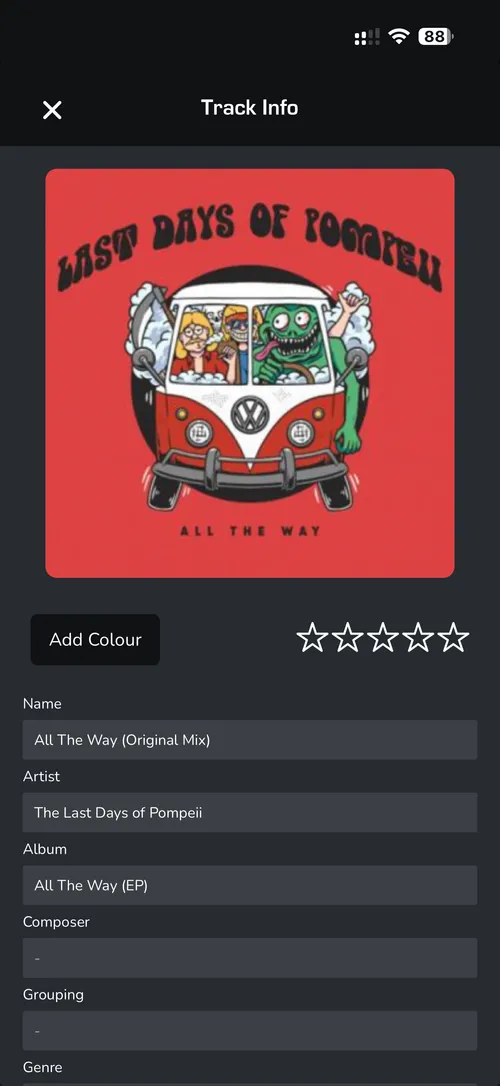
- This will bring up the 'TRACK INFO' view.