UPLOAD TRACKS IN MIXO
Right-click on the track(s) you want to upload and then select 'UPLOAD TRACK'.
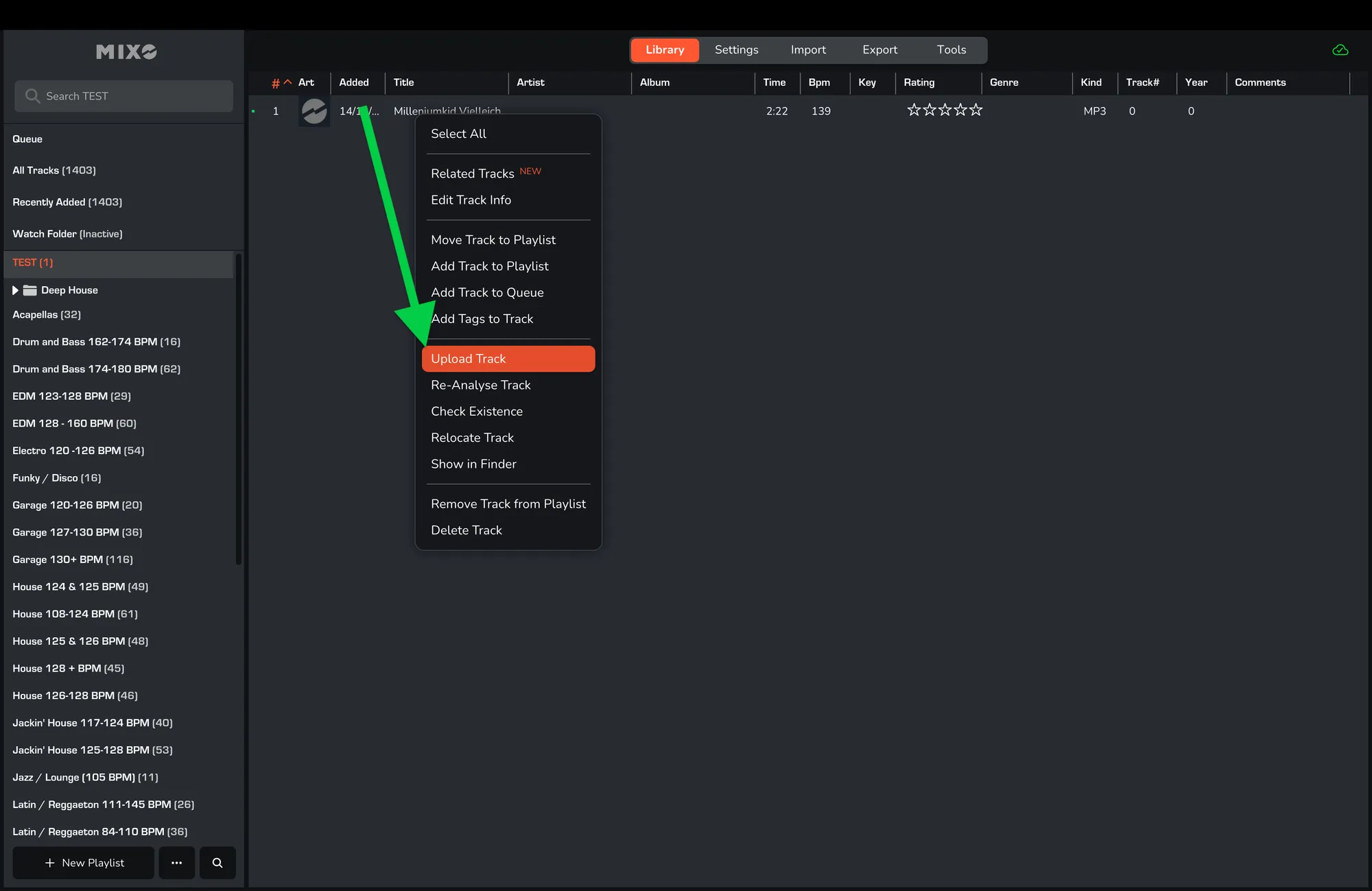
After, the track will be added to the upload queue.
Right-click on the track(s) you want to upload and then select 'UPLOAD TRACK'.
After, the track will be added to the upload queue.