TIPS FOR DEALING WITH LOGIN ISSUES
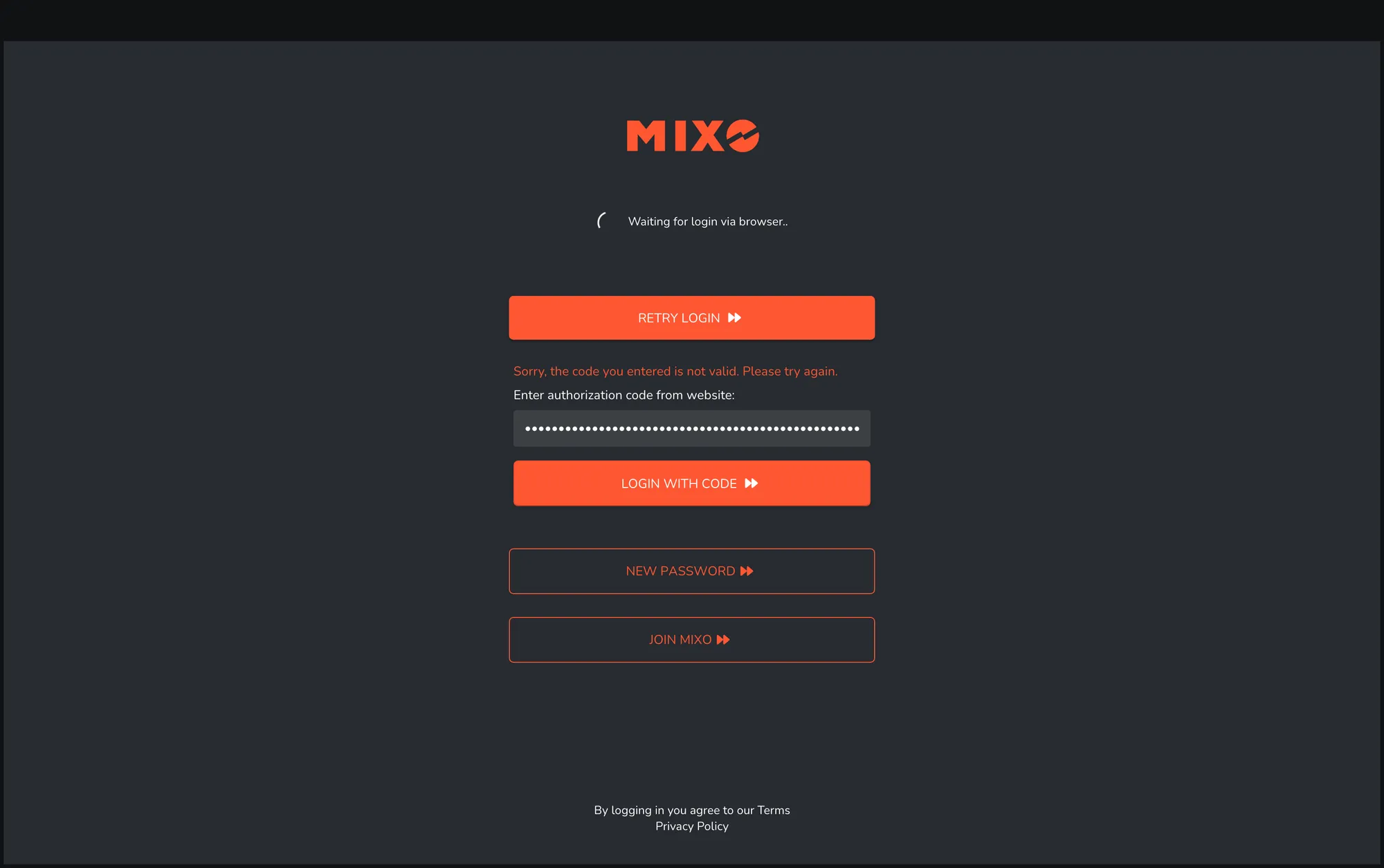 If you are able to login successfully in the browser but authentication fails after redirecting back to the MIXO app or MIXO:GOLD website, here are some useful tips:
1. Logout via: THIS LINK
2. Check your computer's system TIME, DATE AND TIMEZONE are correct and set to update automatically to avoid sync or login issues (this is the most common issue!).
3. Login via a different browser.
4. Clear your browser cookies and cache.
5. Check your firewall and anti-virus software allow requests from MIXO and GOLD
6. For MIXO app, check the app permissions and/or run as an administrator.
7. Test if login works on mobile using data connection (not wifi).
8. Check your router firewall (where possible).
9. Restart your router (where possible).