RENAME A PLAYLIST IN MIXO
To rename a playlist in your MIXO library:
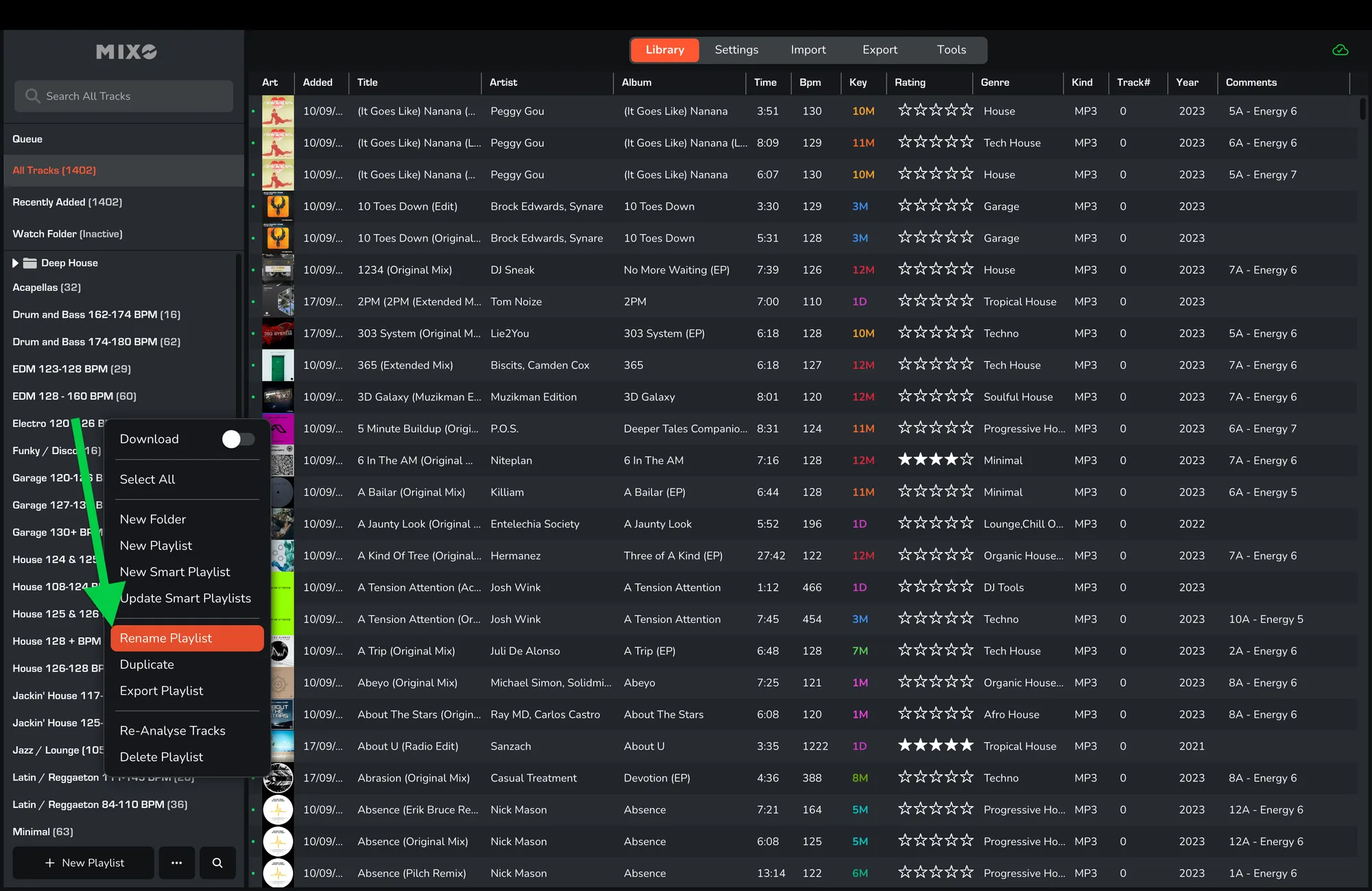
Right-click on a playlist and select ‘Rename Playlist’.
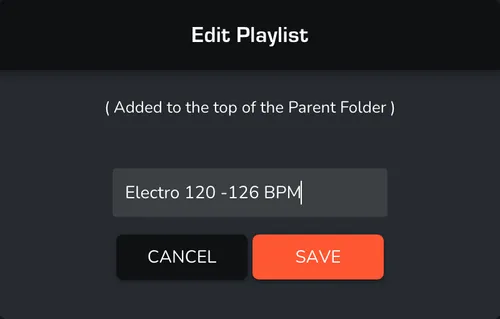
Enter the new name for your playlist and then click ‘Save’.
To rename a playlist in your MIXO library:
Right-click on a playlist and select ‘Rename Playlist’.
Enter the new name for your playlist and then click ‘Save’.