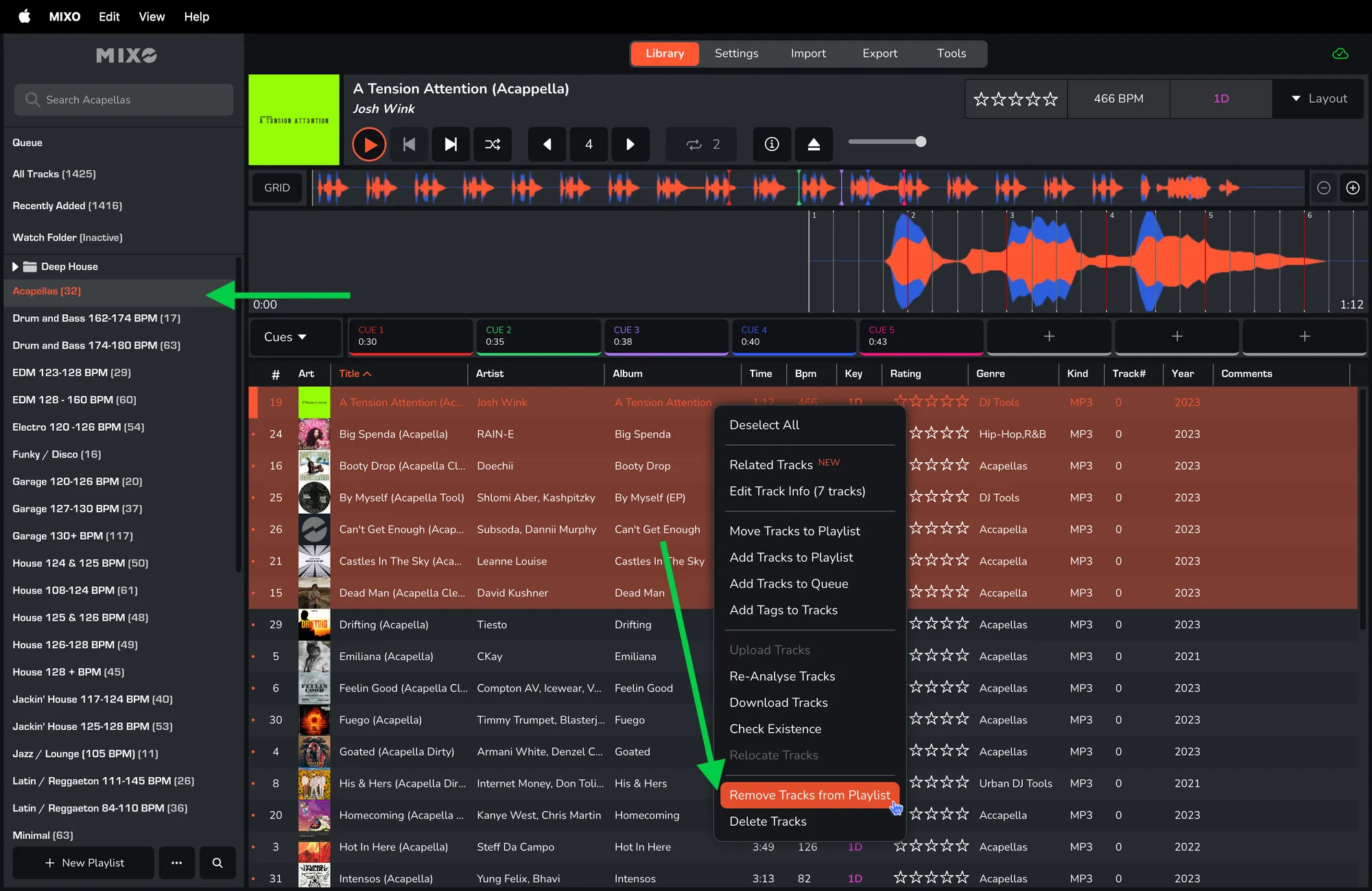
REMOVE SONGS FROM PLAYLISTS IN MIXO
You can remove single or multiple tracks from a playlist using the right-click menu.
Removing a Single Track
1. Select the playlist you want to remove tracks from.
2. Right-click on the track you want to remove and select 'REMOVE TRACK FROM PLAYLIST'.
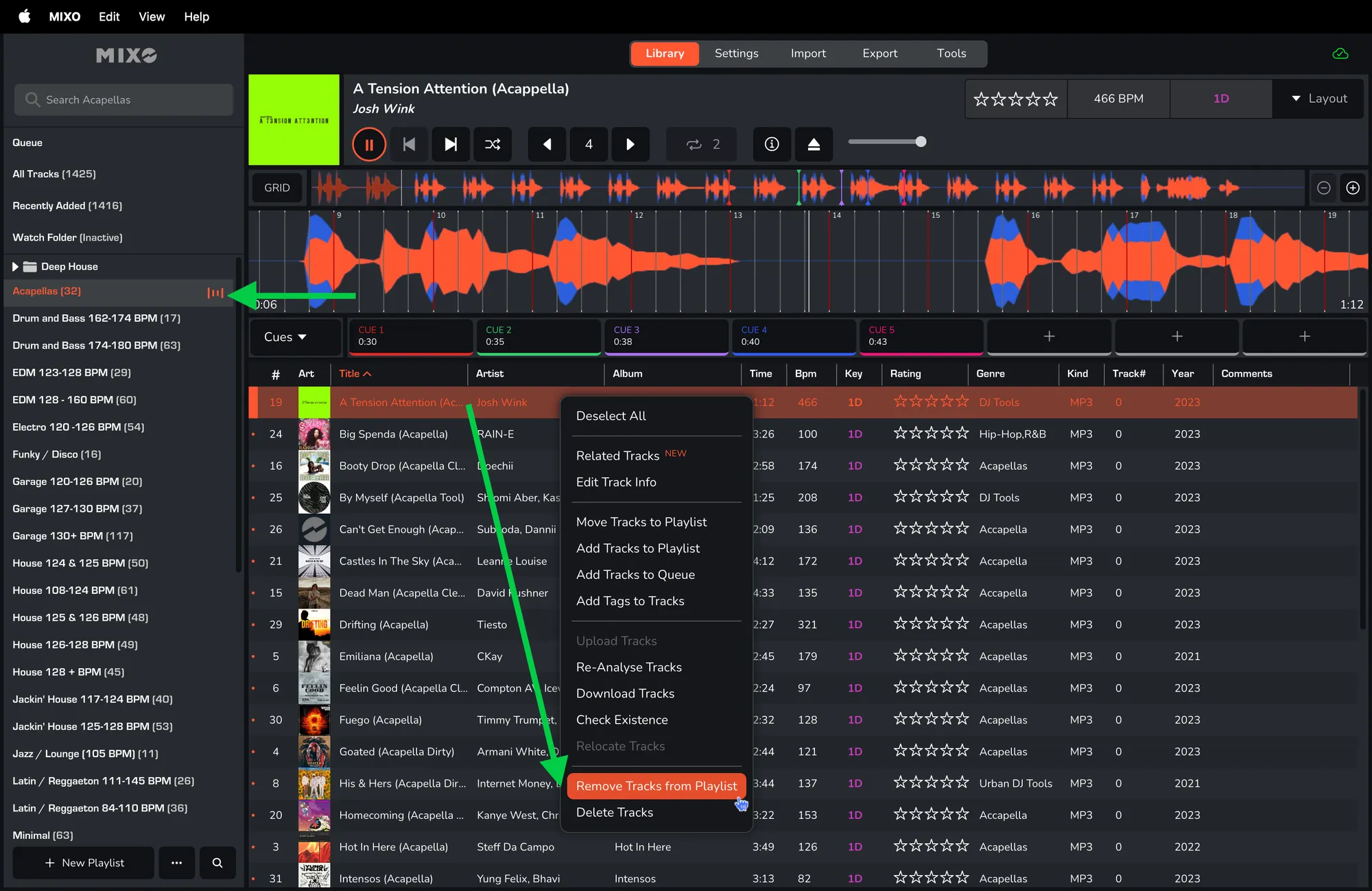
3. In a pop-up window confirm removing - click ‘REMOVE TRACK’.

Removing Multiple Tracks
1. Select the playlist you want to remove tracks from.
2. Select the tracks you want to remove.
3. Right-click on one of the selected songs and select 'REMOVE TRACKS FROM PLAYLIST'.