REKORDBOX TO ENGINE DJ
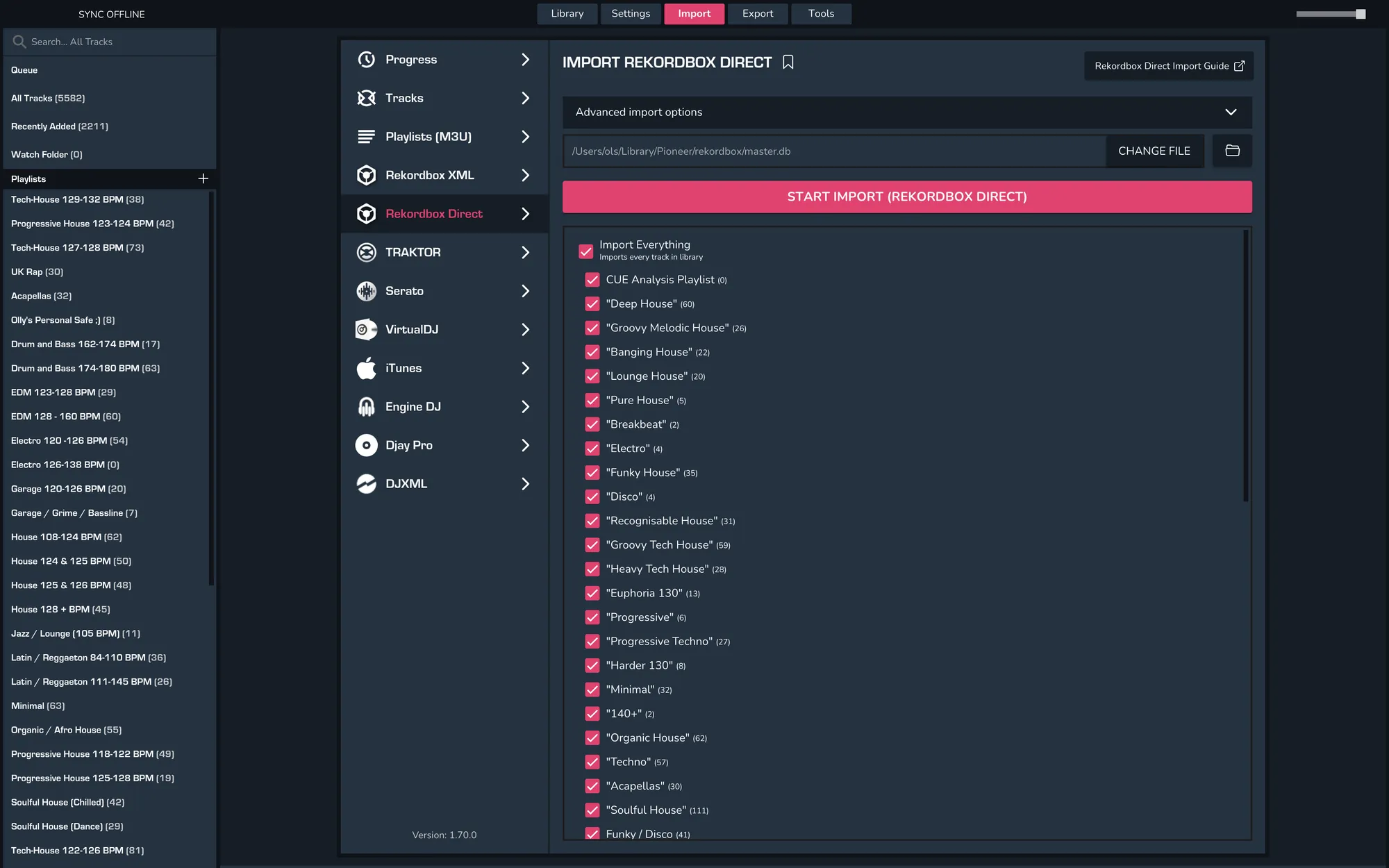
1. Importing into MIXO using Rekordbox Direct
- IMPORT > REKORDBOX DIRECT
- Choose to import your entire collection or selected playlists.
- Click IMPORT (Rekordbox Direct)
2. Export your playlists to Engine DJ
- Quit Engine DJ
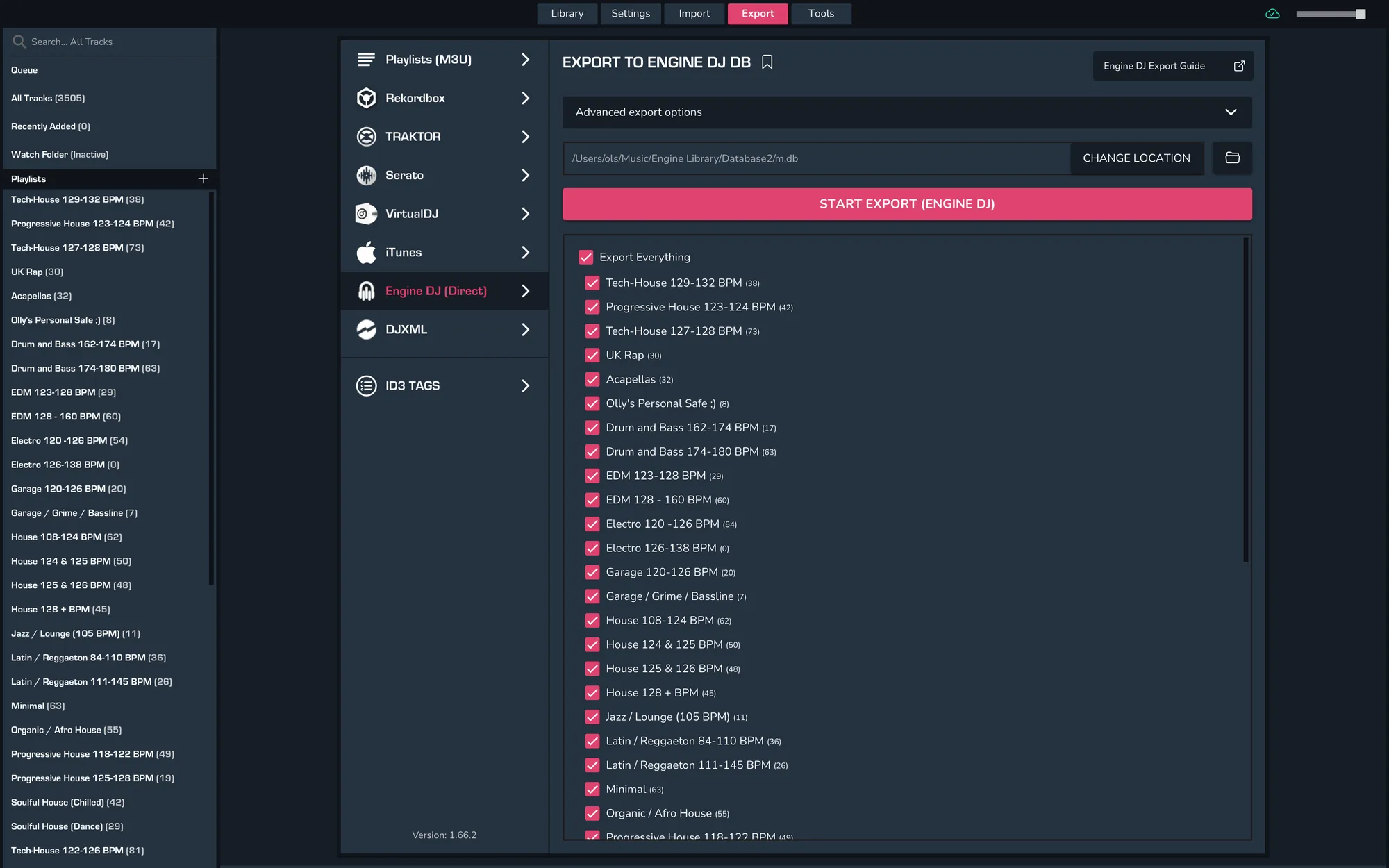
- To export individual playlists or your entire library from MIXO go to EXPORT > Engine DJ.
- If you are saving to an external drive change the export folder location
- Click EXPORT Engine DJ
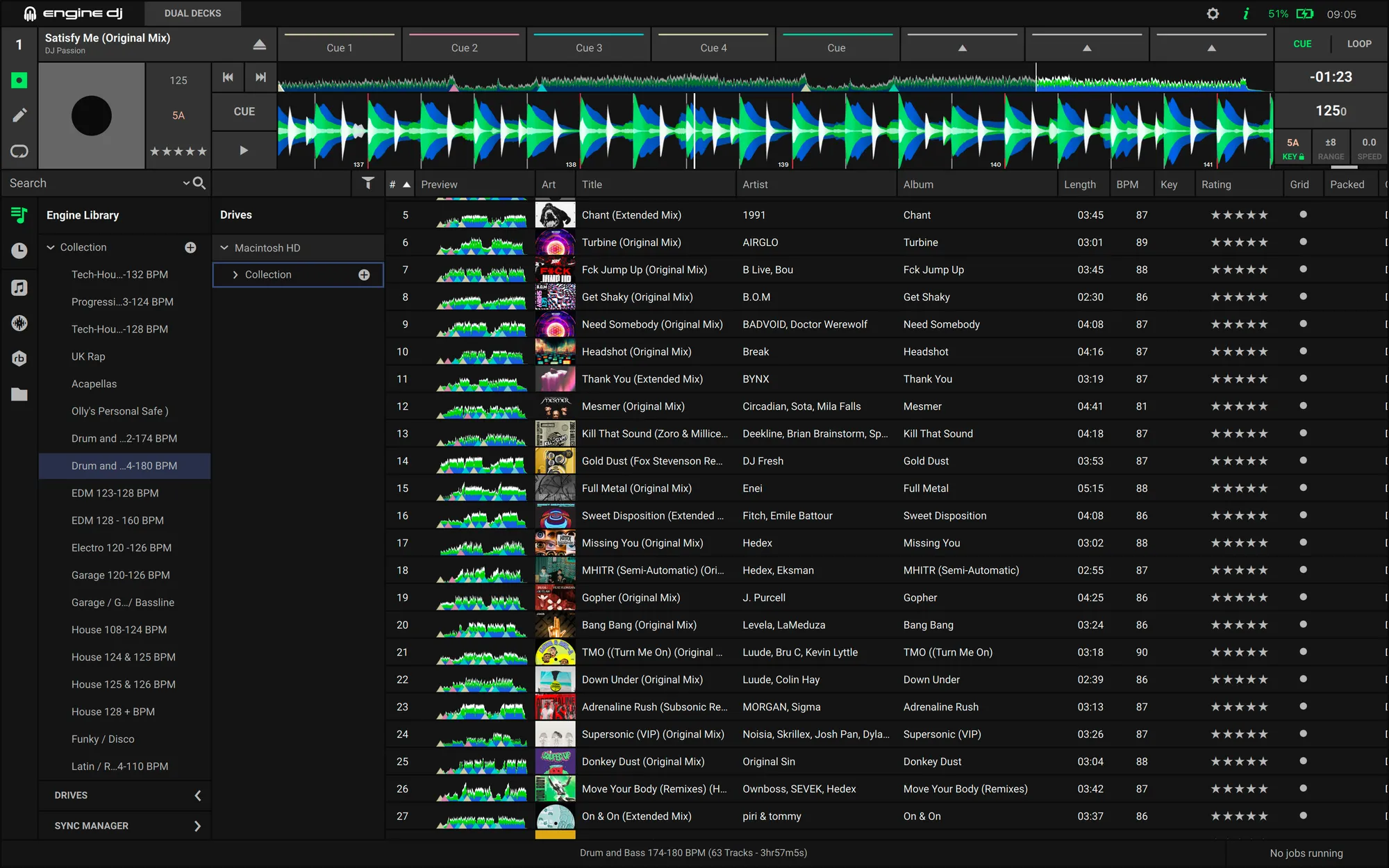
- Open Engine DJ and your library will match your MIXO export
Notes
Backups
MIXO will automatically backup your DJ Libraries every time you export.
It's also a good idea to regularly backup your source library and computer.