MIXED IN KEY TO MAGIX DIGITAL DJ
1. Importing Tracks:
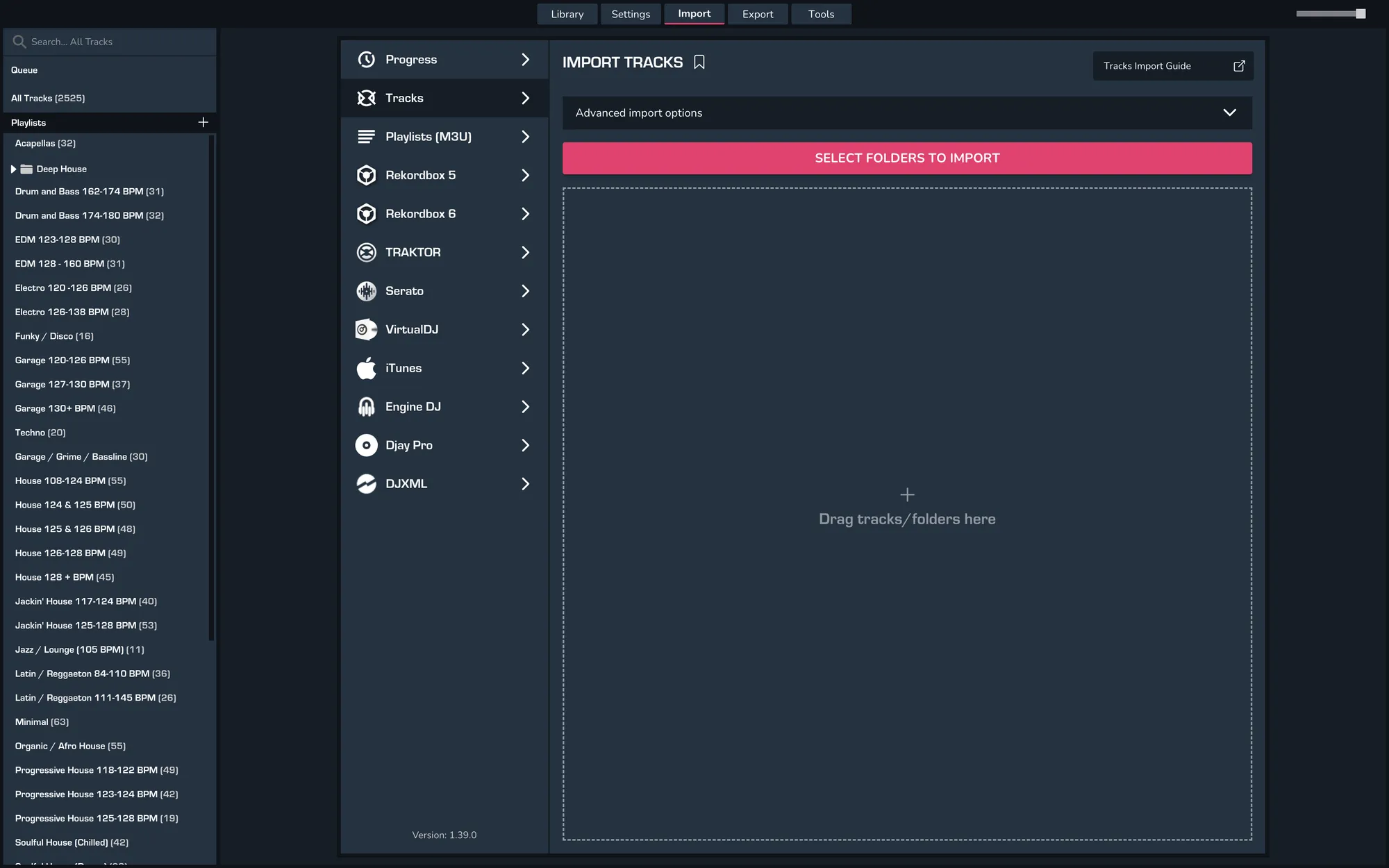
- MIXO > Import > Tracks and drag your tracks that have been analysed in Mixed in Key.
- Once your music has been imported into MIXO, you will need to export it from MIXO to Magix Digital DJ.
2. Exporting Collections & Playlists:
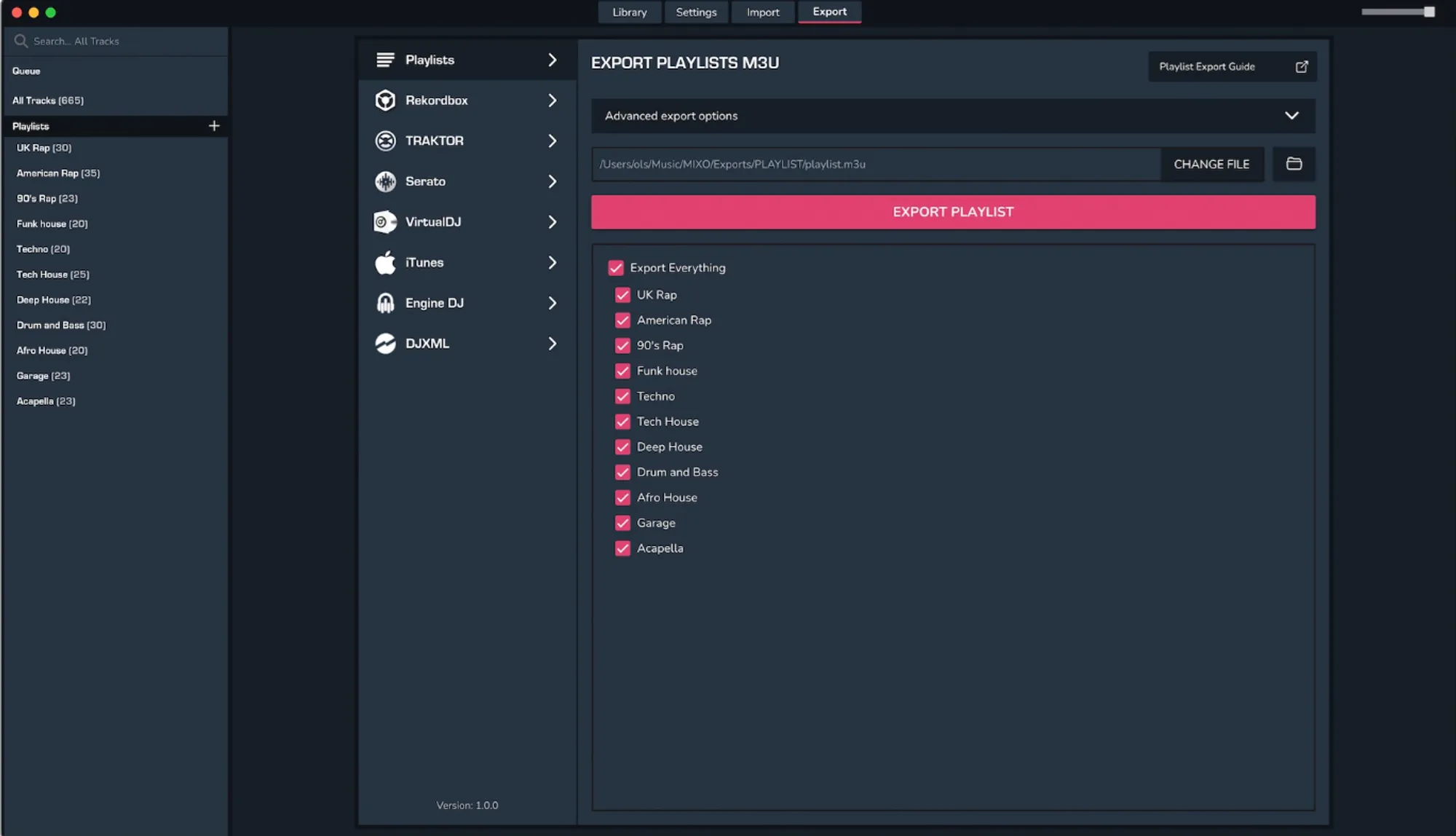
To now export playlists or entire collections from MIXO to Magix Digital DJ:
MIXO > Export > Playlists > Select 'Export Everything' or pick individual playlists > EXPORT
Notes
Backups
MIXO will automatically backup your DJ Libraries every time you export.
It's also a good idea to regularly backup your source library and computer.