MANAGE PLAYLISTS ON IOS & ANDROID
Once you have synced your library to your cloud, you will have access to all of your music and playlists on your mobile device.
Creating Playlists
1. After logging in, you will see a screen with your Library, All Tracks, and any previously created folders or playlists.
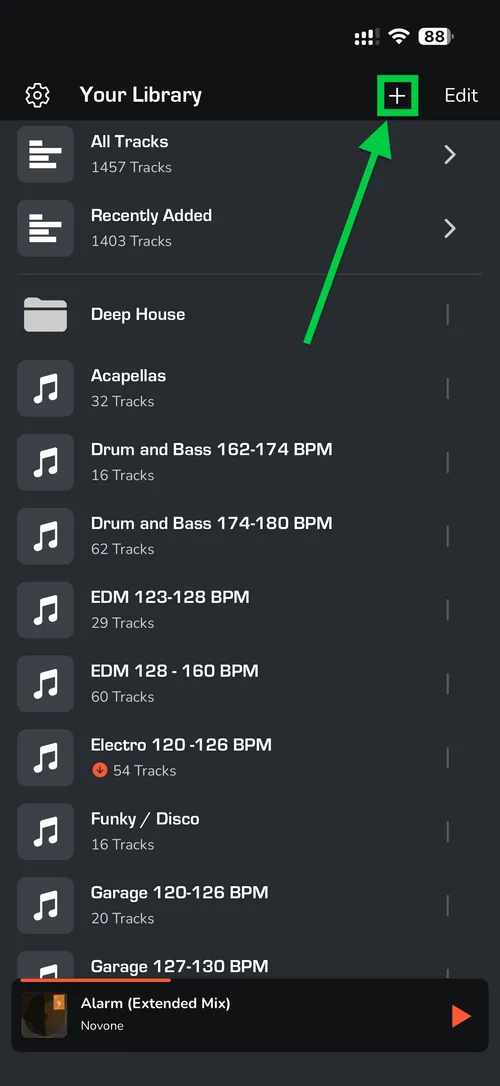
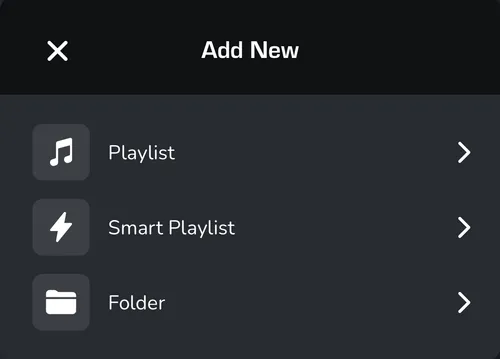
2. Create New: in the top right, click the '+' icon to create a new folder, playlist or smart playlist.
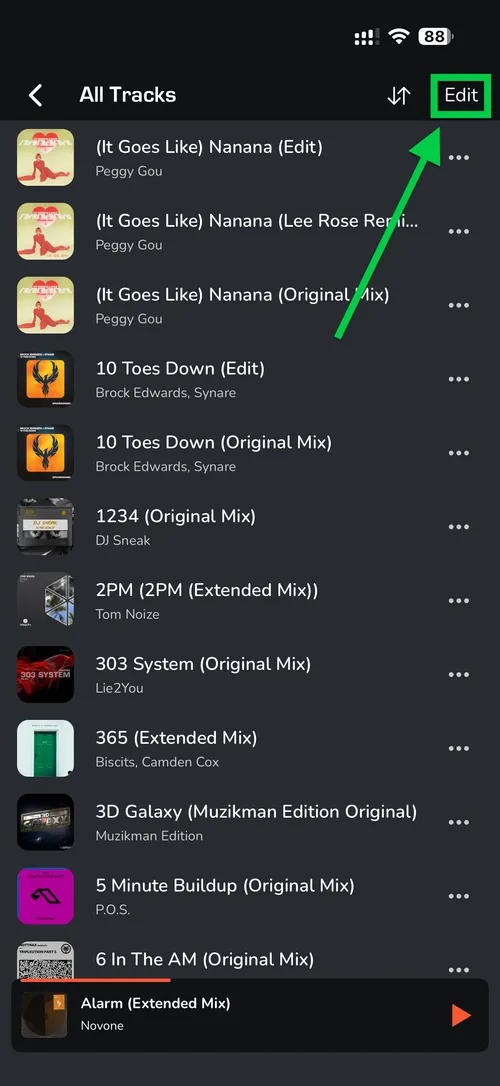
3. To add tracks to a playlist, navigate to All Tracks.
4. Click on the ‘Edit’ button and choose tracks which you want to add.
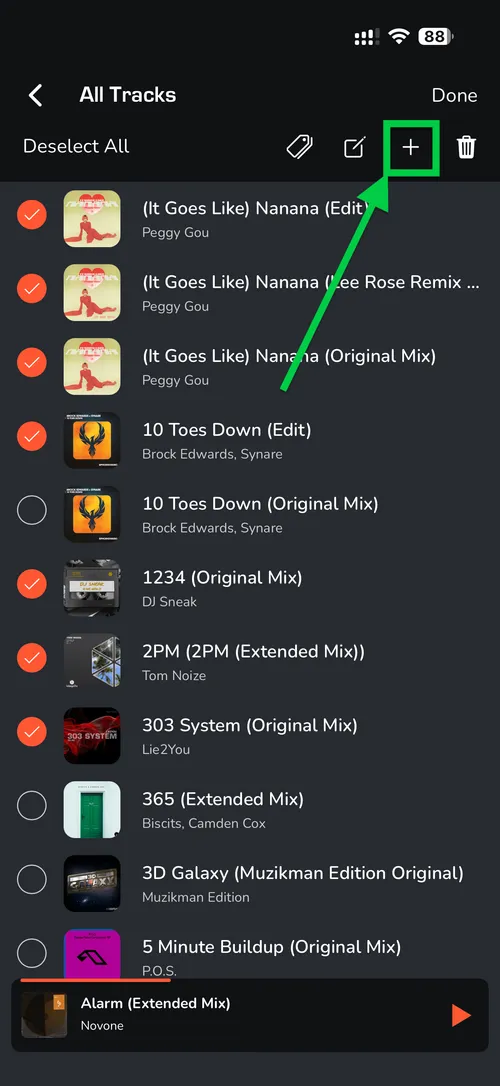
5. Once selected, click the '+' icon in the top right and select the destination playlist.