M3U PLAYLISTS TO MIXO
How to import M3U Playlists into MIXO
1. In MIXO, go to the ‘IMPORT’ tab and click M3U PLAYLISTS.
2. Click the 'SELECT M3U TO IMPORT' button.
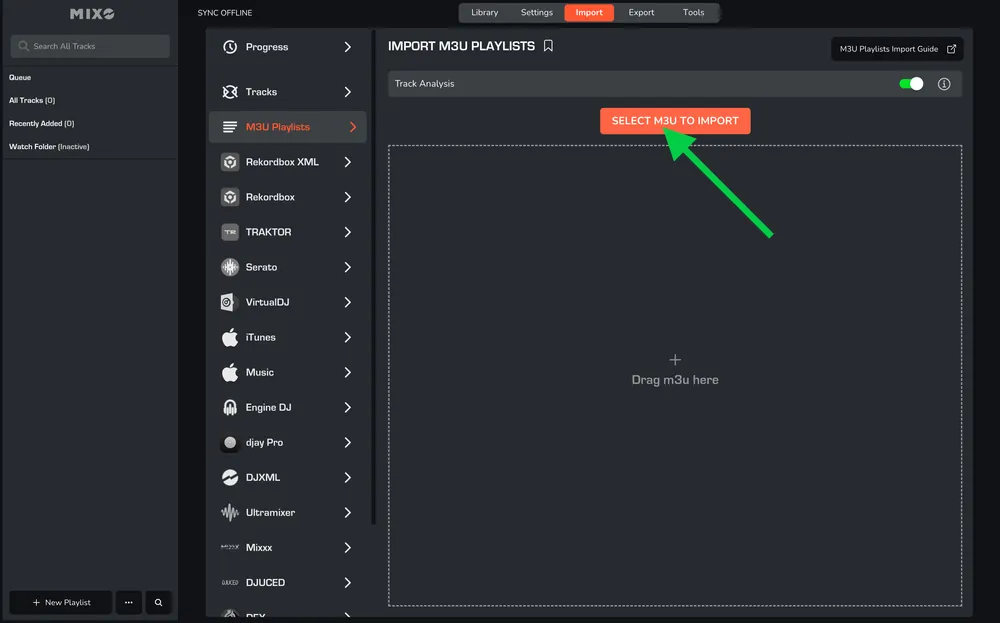
3. Browse to the folder where your M3U playlist files are saved, and select one or multiple playlists to import.
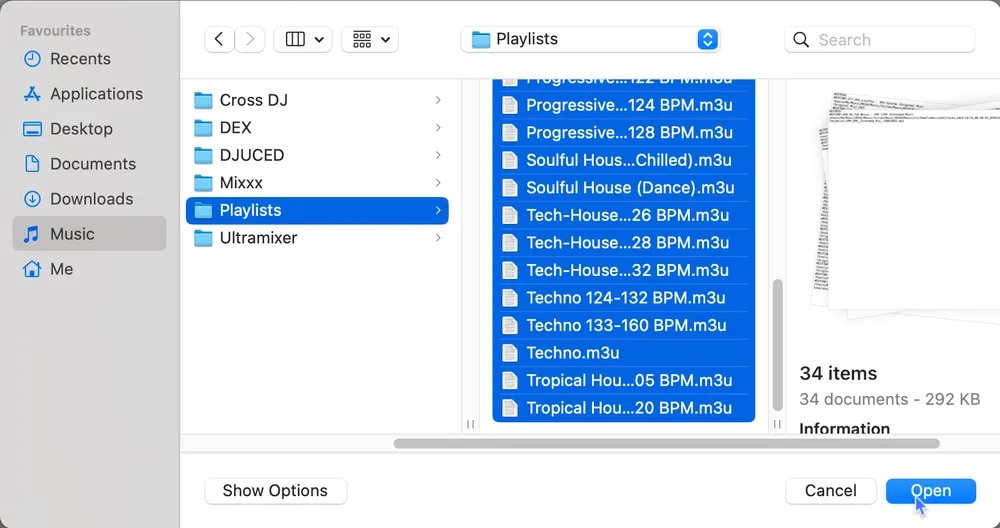
MIXO will import your playlists and tracks based on the M3U files, and analyse the tracks to import the metadata, cues point and beatgrids. By default, MIXO will also analyse waveform data and missing BPM/Key information.

OPTIONS:
Waveform/Grid Analysis - turn off to speed up the import, however, keeping it enabled is recommended to ensure exporting to DJ software works correctly.