INSTALL MIXO ON WINDOWS
1. Go to the MIXO download page and click the Download MIXO for Windows button.
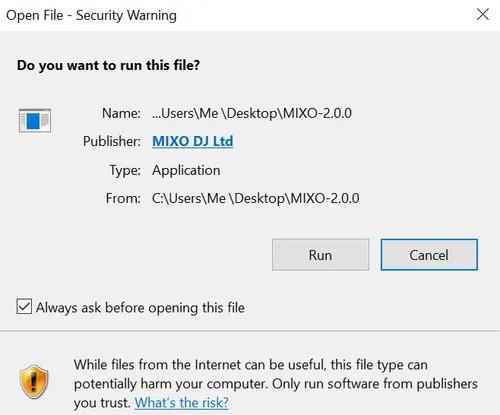
2. Navigate to your downloads folder in Explorer and run the MIXO installer.
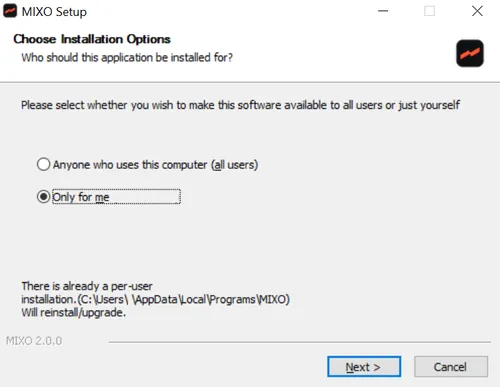
3. Choose to install for a single user or allow all users to access the application.
4. Install MIXO in the APPDATA folder.

5. Once installed, you can run MIXO.