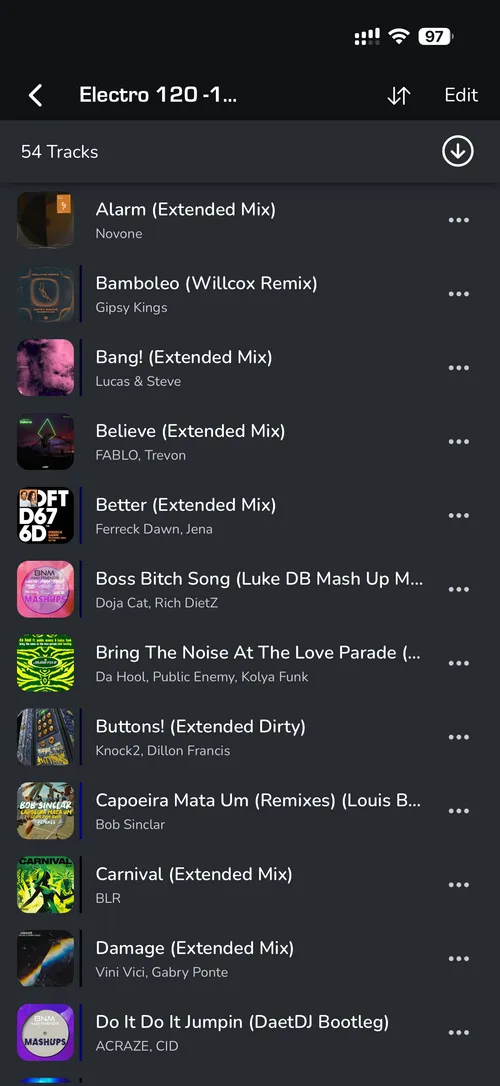
INSTALL MIXO ON IOS
1. Open the App Store and search for MIXO.
2. Click ‘GET’ to download the application.
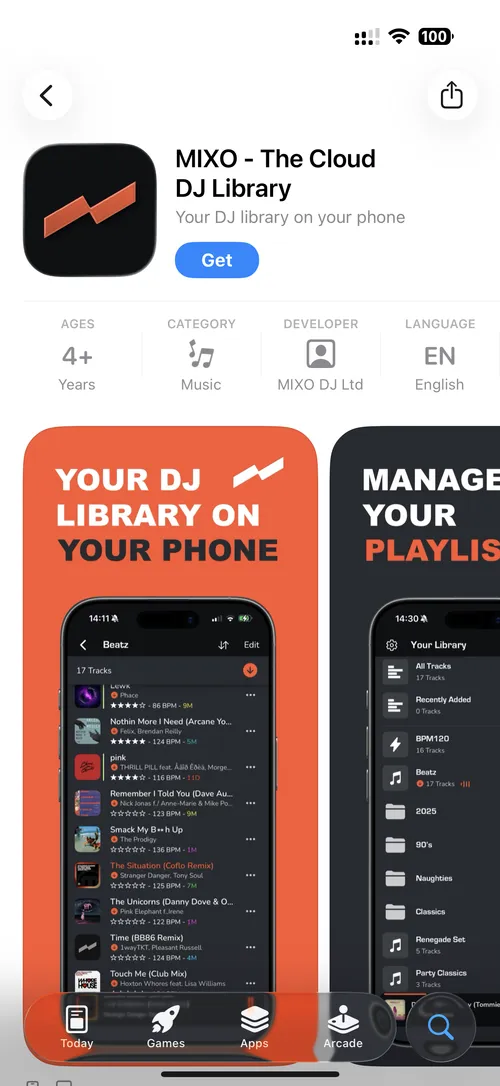
3. Wait for the installation to finish and click ‘OPEN’.
- If you have not yet synced your library from a computer, you will see a message in the ALL TRACKS view prompting you to do so.

5. Install MIXO on your WINDOWS, MAC or LINUX computer to import tracks and sync them to your cloud storage.
- Once the desktop sync is complete, MIXO on your iOS device will automatically sync and display your library.