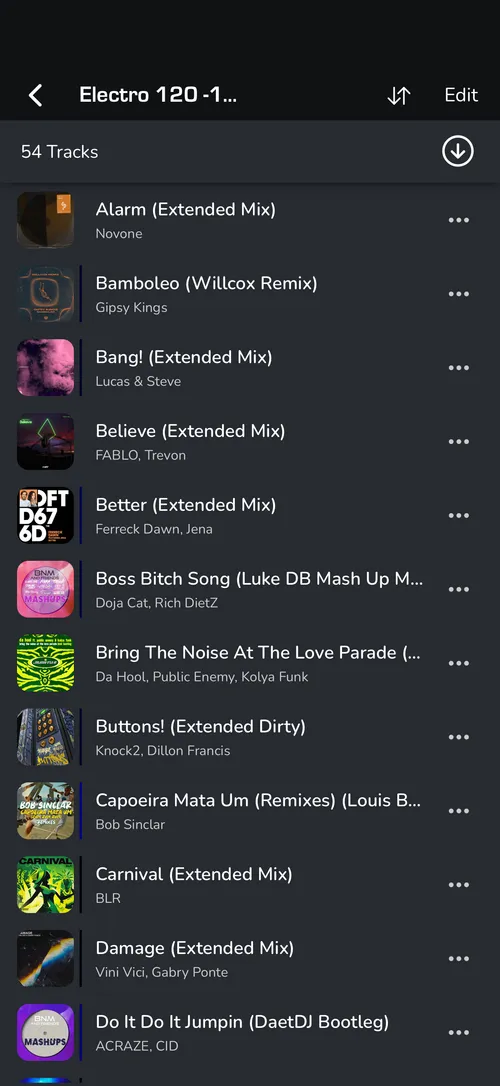
INSTALL MIXO ON ANDROID
- Open the Google Play and search for MIXO.
- Click ‘INSTALL’.
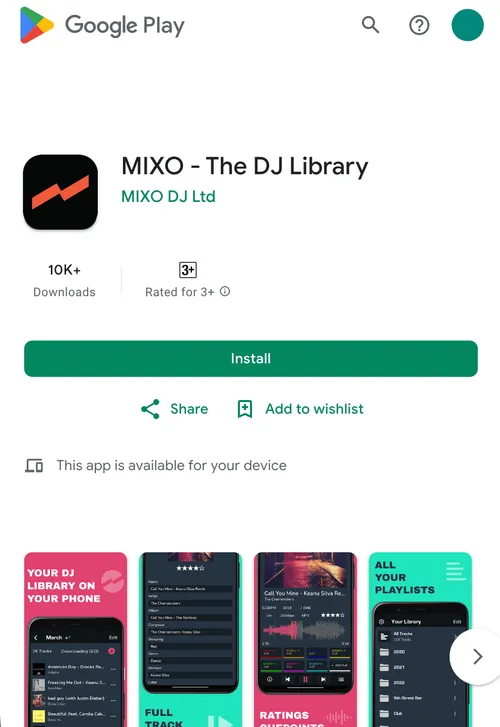
- Wait for the installation to finish and click ‘OPEN’.
- If you have not yet synced your library from a computer, you will see a message in the ALL TRACKS view prompting you to do so.
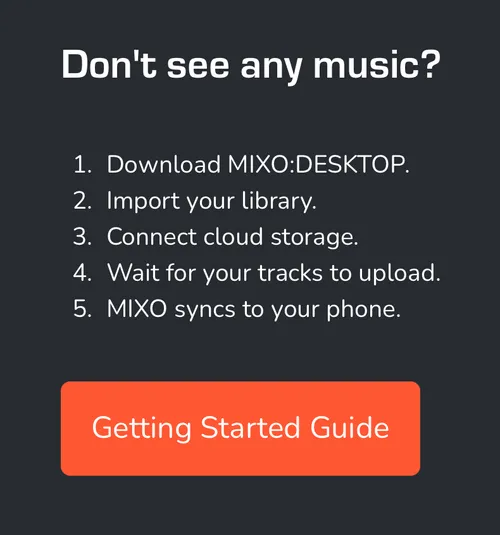
- Install MIXO on your WINDOWS, MAC or LINUX computer to import tracks and sync them to your cloud storage. Download MIXO
- Once the desktop sync is complete, MIXO on your Android device will automatically sync and display your library.