HOW TO ZOOM IN ON WAVEFORM
In order to zoom in on the waveform, you must click the ‘+’ icon at the top right of the waveform. Once zoomed in, it makes it much easier to adjust/ edit your beatgrids.
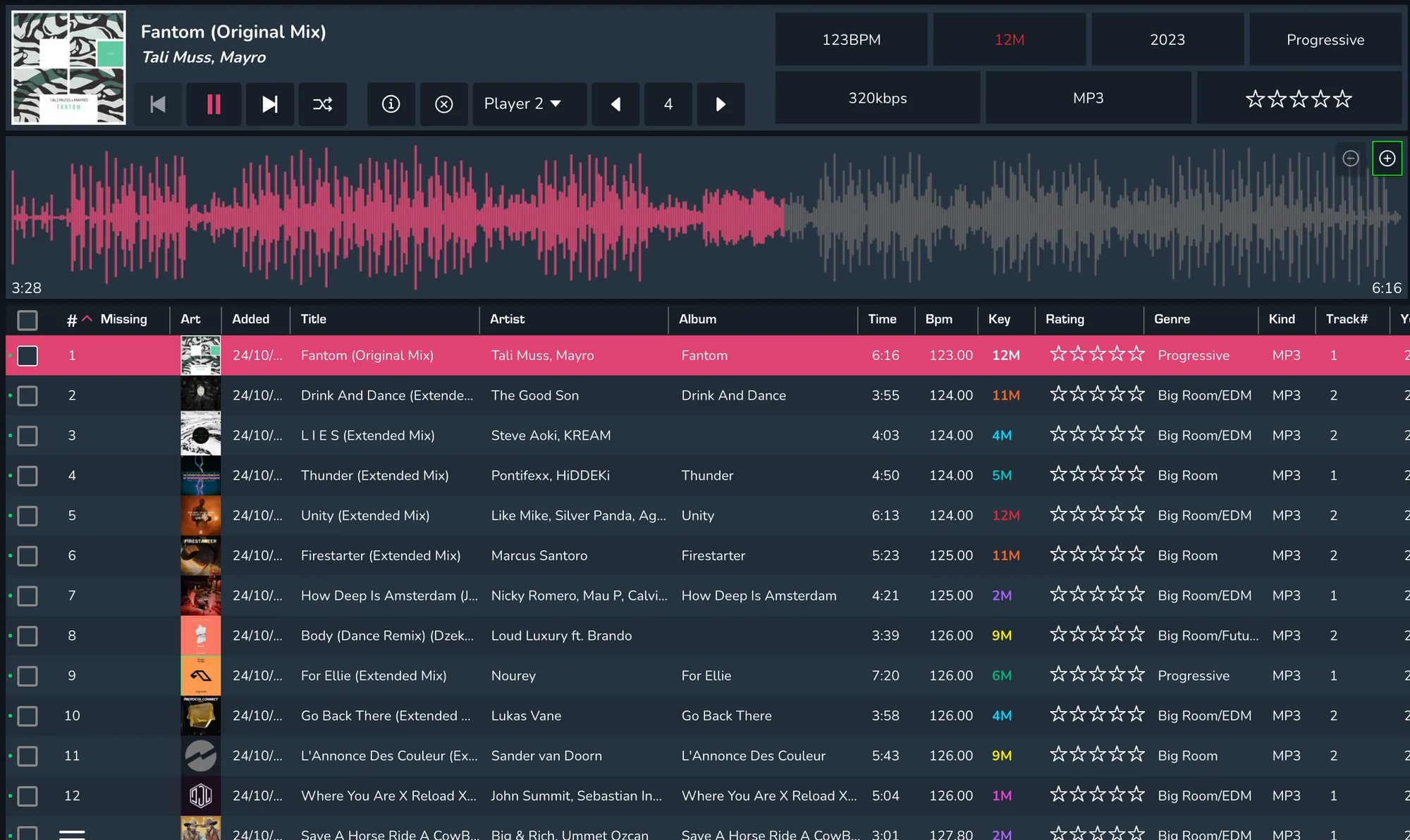
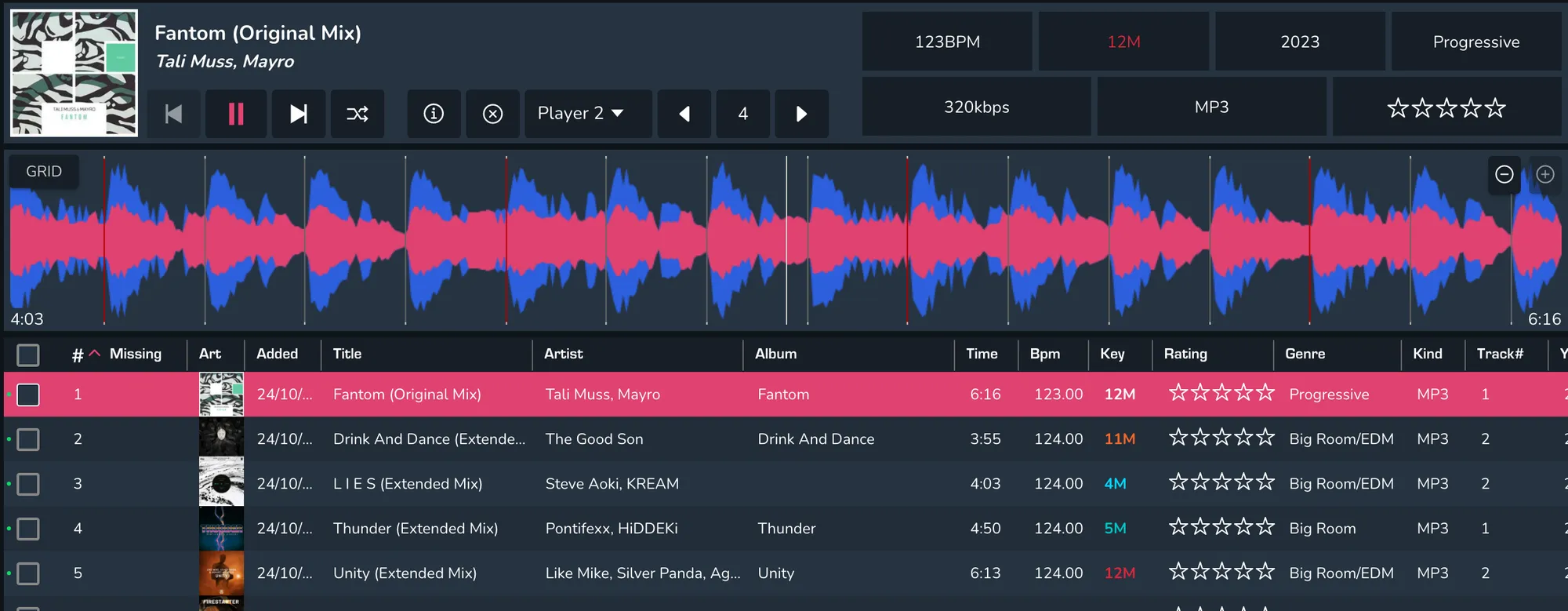
In order to zoom in on the waveform, you must click the ‘+’ icon at the top right of the waveform. Once zoomed in, it makes it much easier to adjust/ edit your beatgrids.