HOW TO UPLOAD TRACKS IN MIXO
In order to upload a track, first right-click on the track you want to upload and then select ‘Upload Track’.
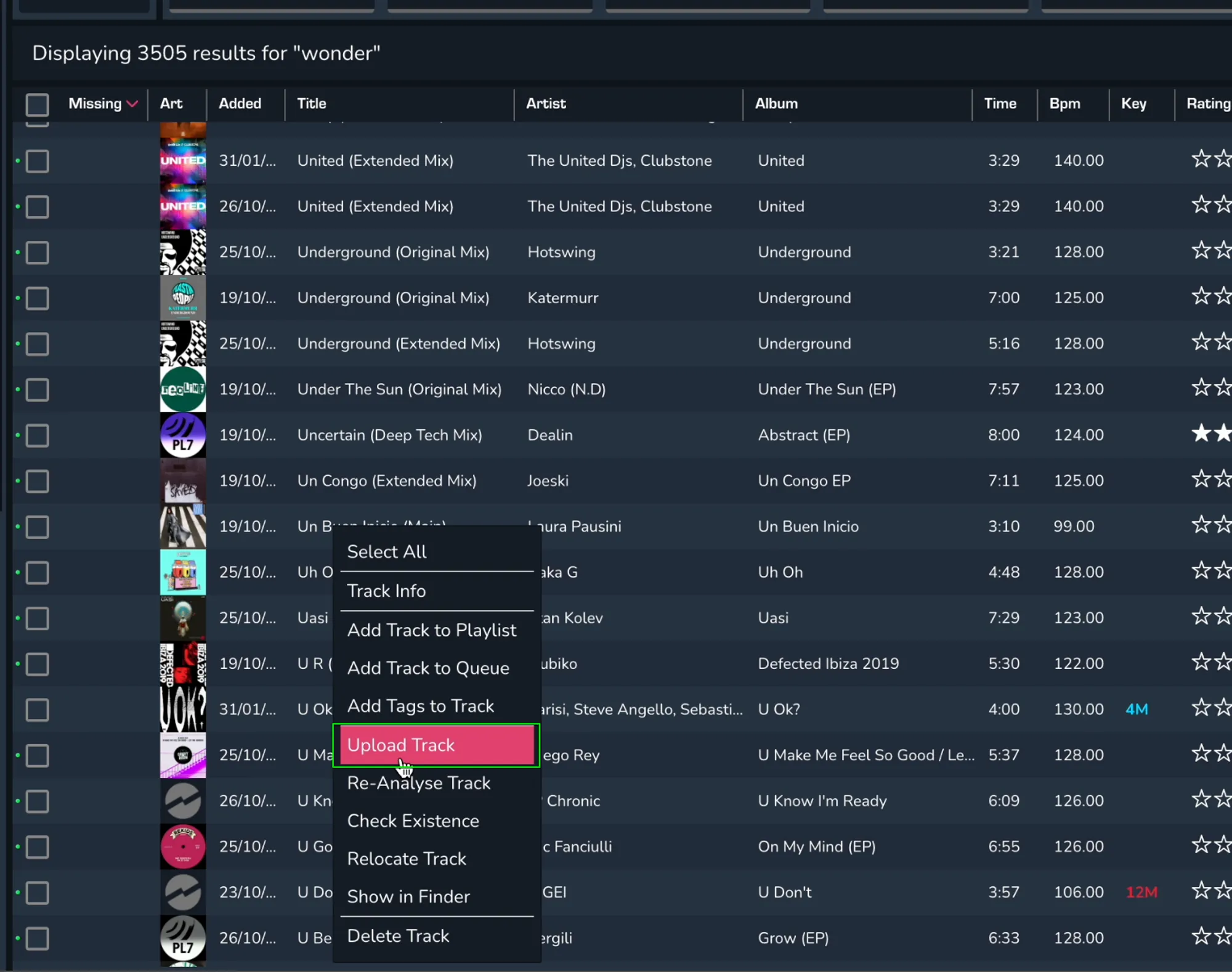
After this has been done, the track will be added to the upload queue.

In order to upload a track, first right-click on the track you want to upload and then select ‘Upload Track’.
After this has been done, the track will be added to the upload queue.