HOW TO UPGRADE TO MIXO: GOLD
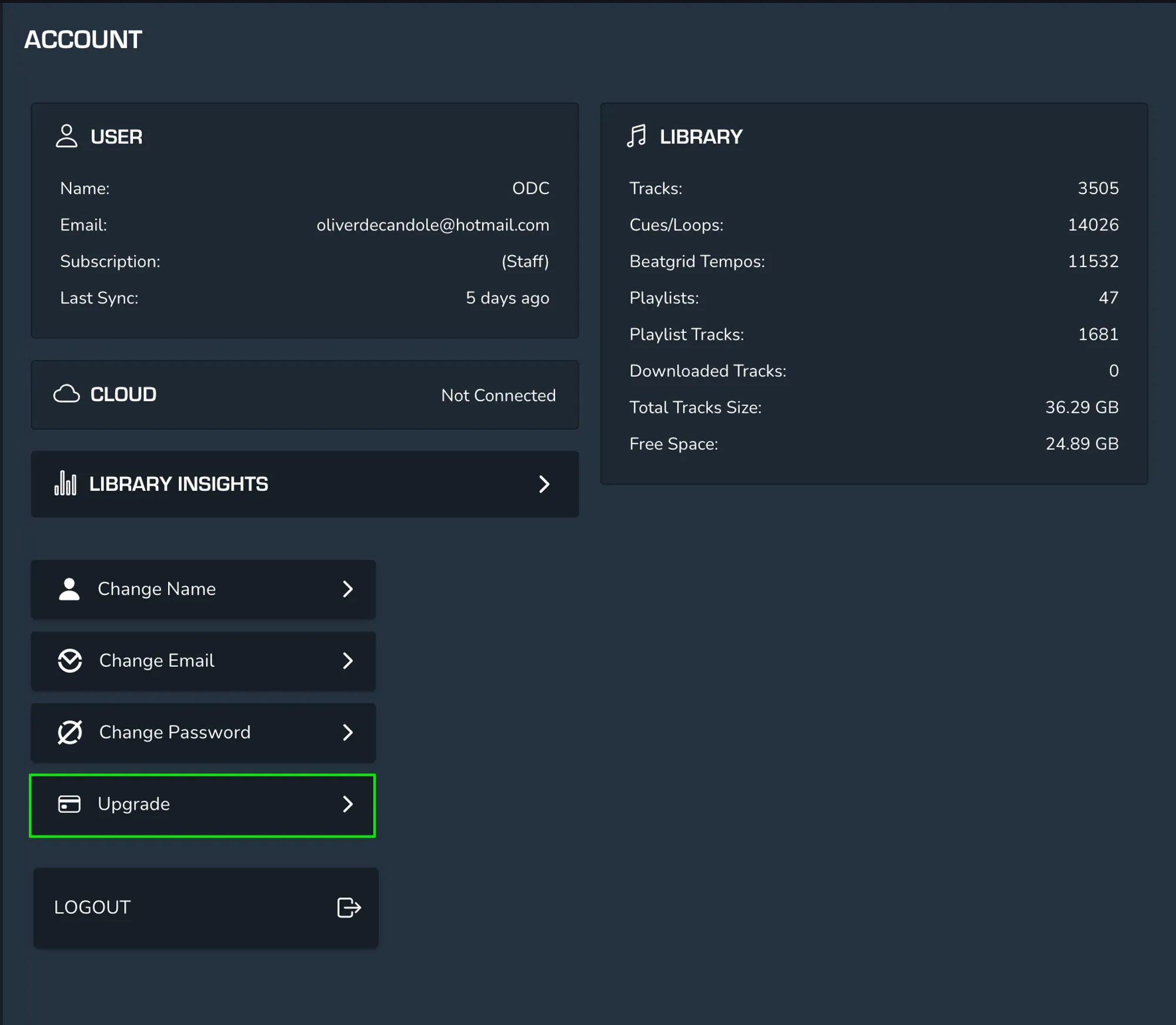
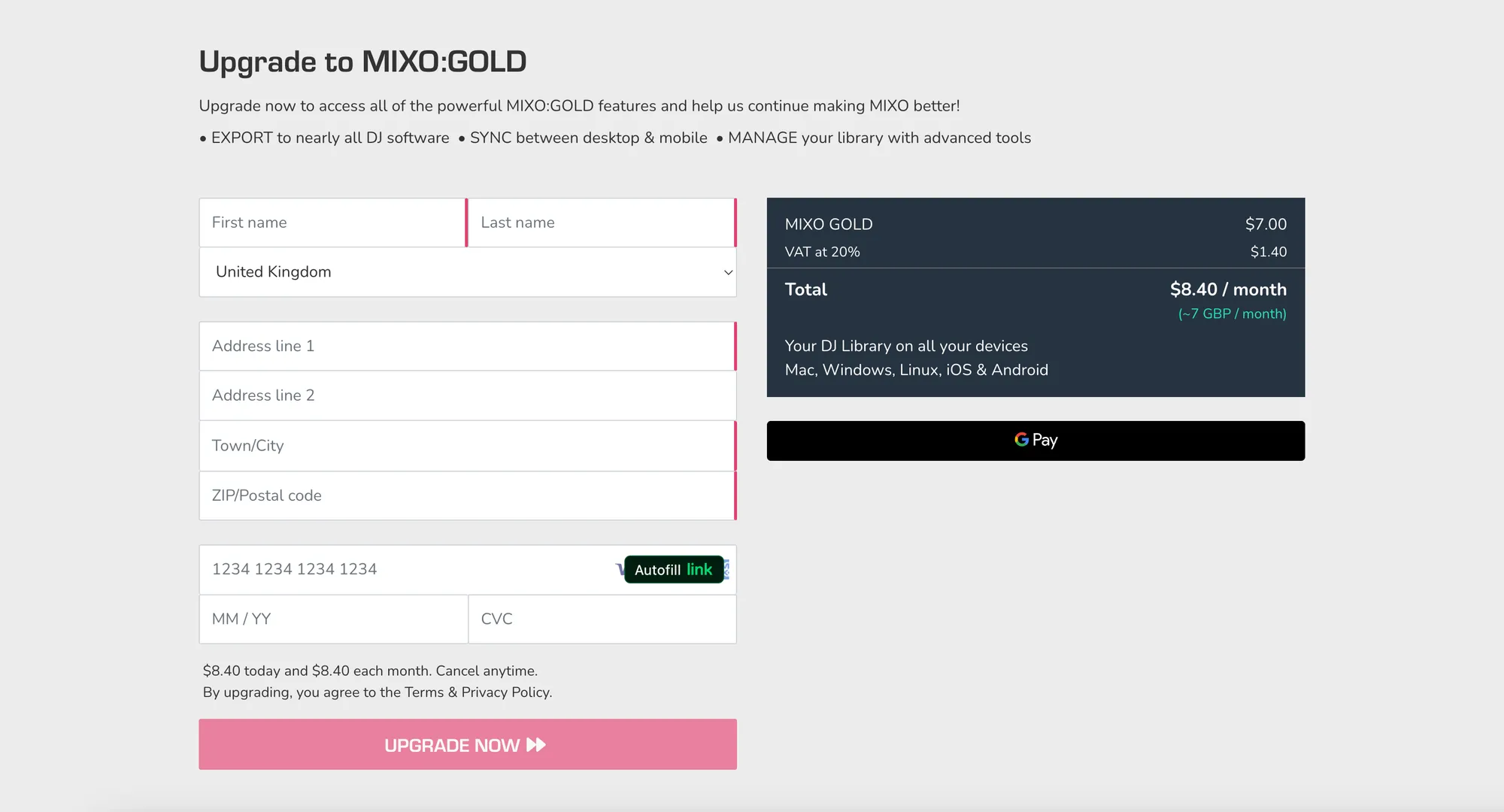
If you’d like to upgrade to MIXO: GOLD, first head into MIXO and select Settings > Account > Upgrade. Once you’ve clicked upgrade, you’ll be taken to the MIXO website where you can complete your upgrade. Alternatively you can click this link:
https://www.MIXO.dj/gold/checkout