HOW TO RESET YOUR LOCAL DATABASE IN MIXO
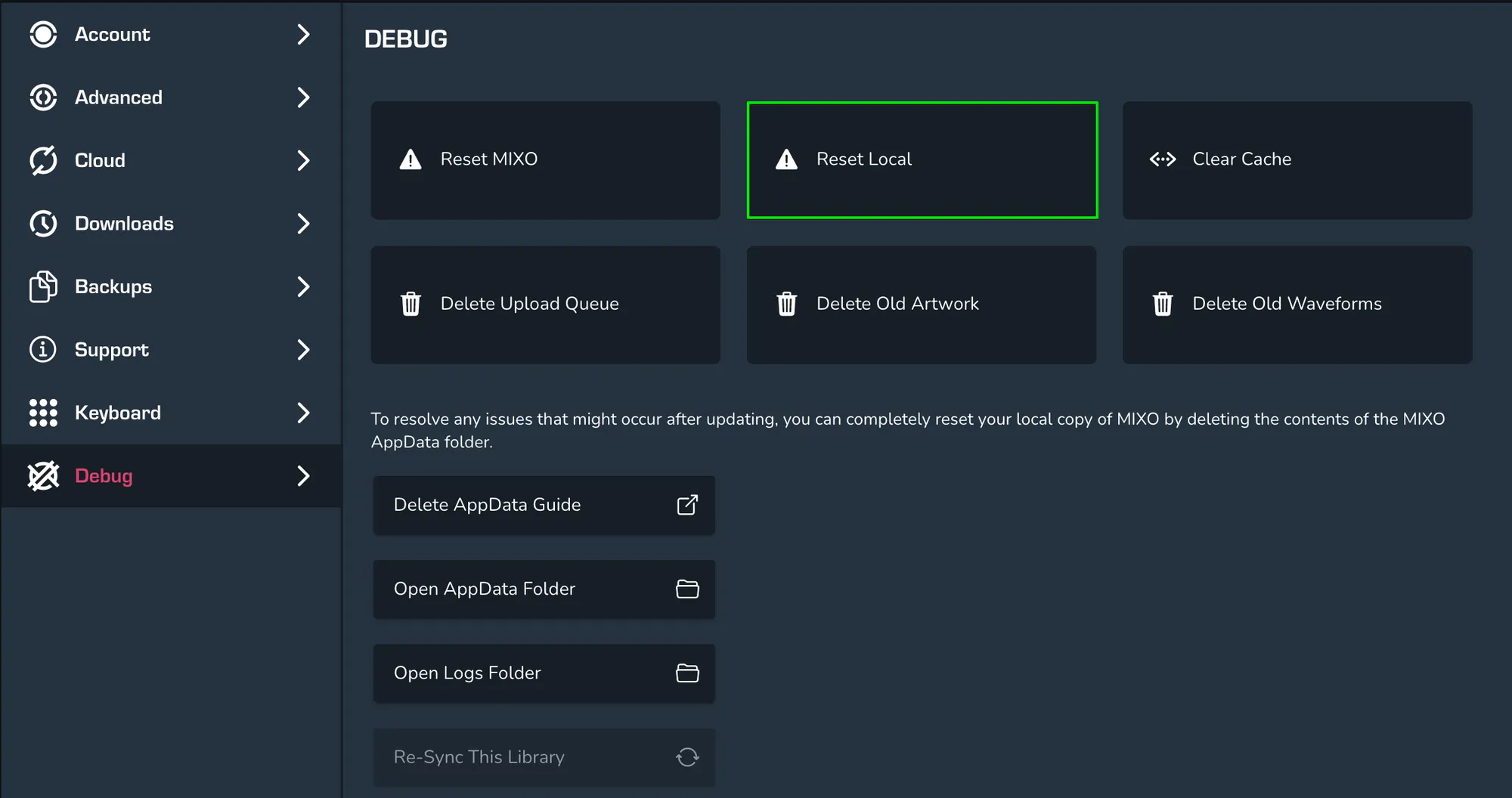
In order to reset your local database in MIXO, first head to Settings > Debug > Reset Local. If you’re upgrading from an older version of MIXO it can help to reset your local database. MIXO will clear the local database and keep the cloud database. You’ll need to log back in to MIXO after you reset.