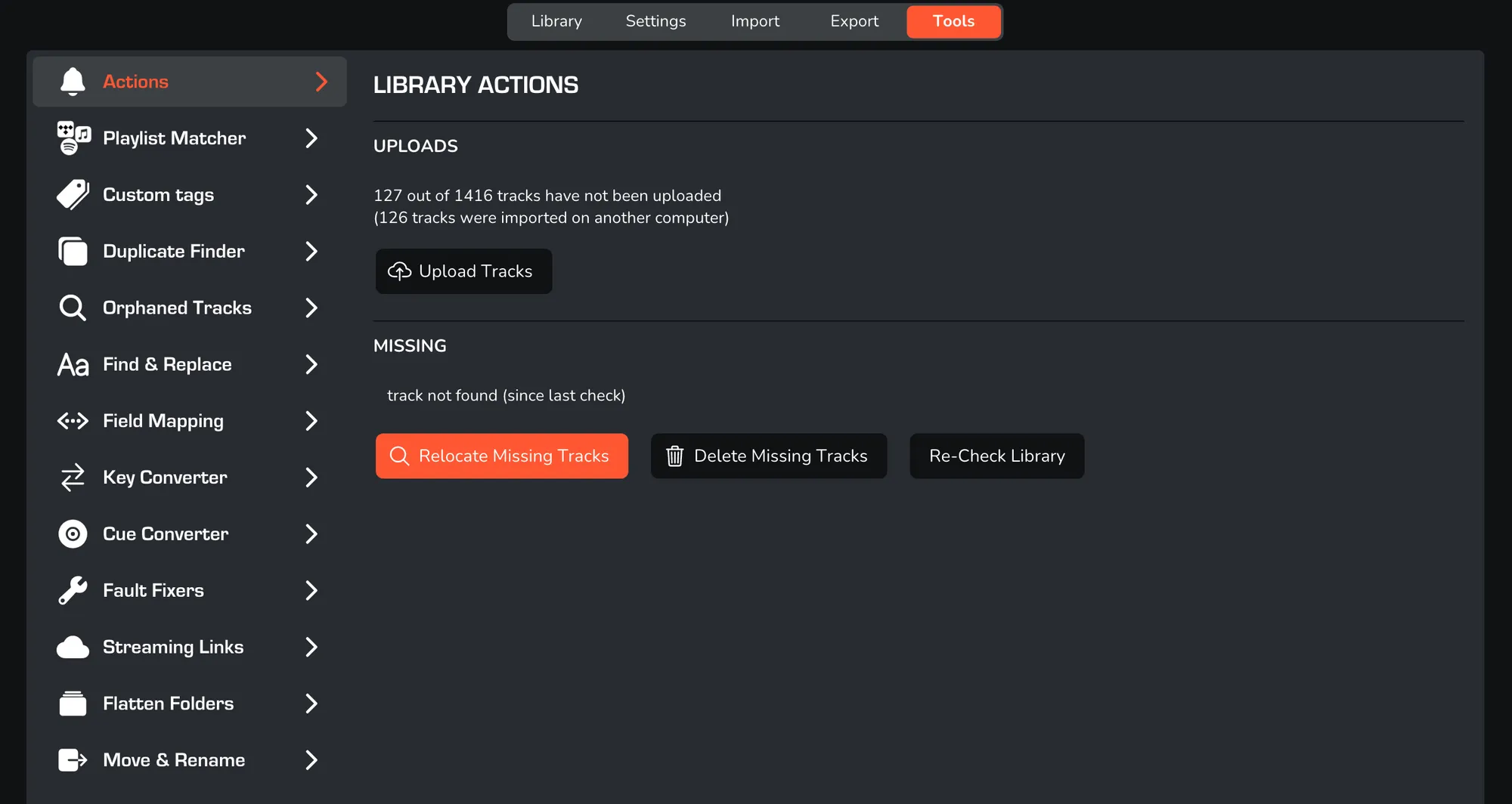
HOW TO RELOCATE TRACKS IN MIXO
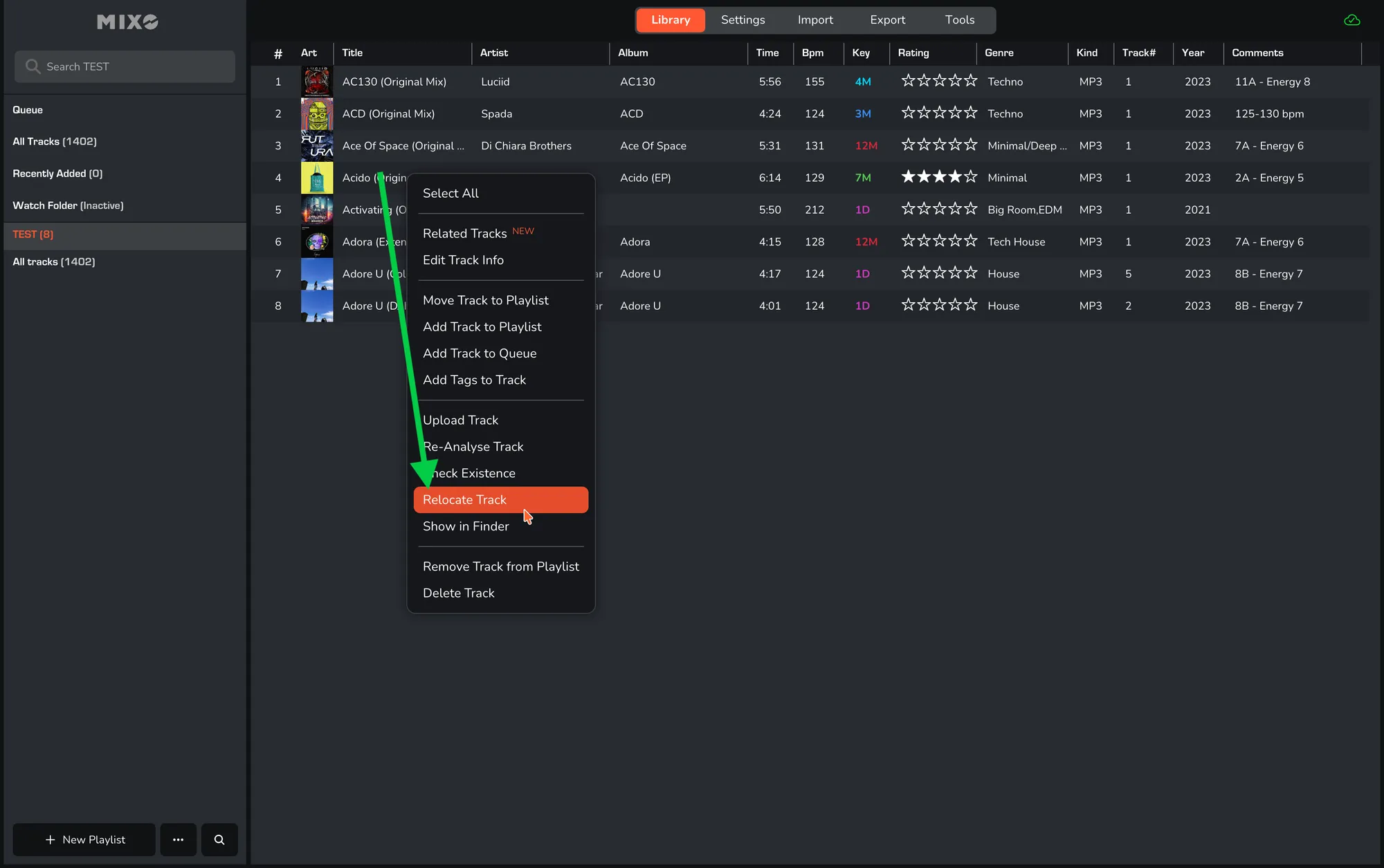
1. In MIXO navigate to any TRACK.
2. RIGHT-CLICK on the track and select ‘RELOCATE TRACK’.
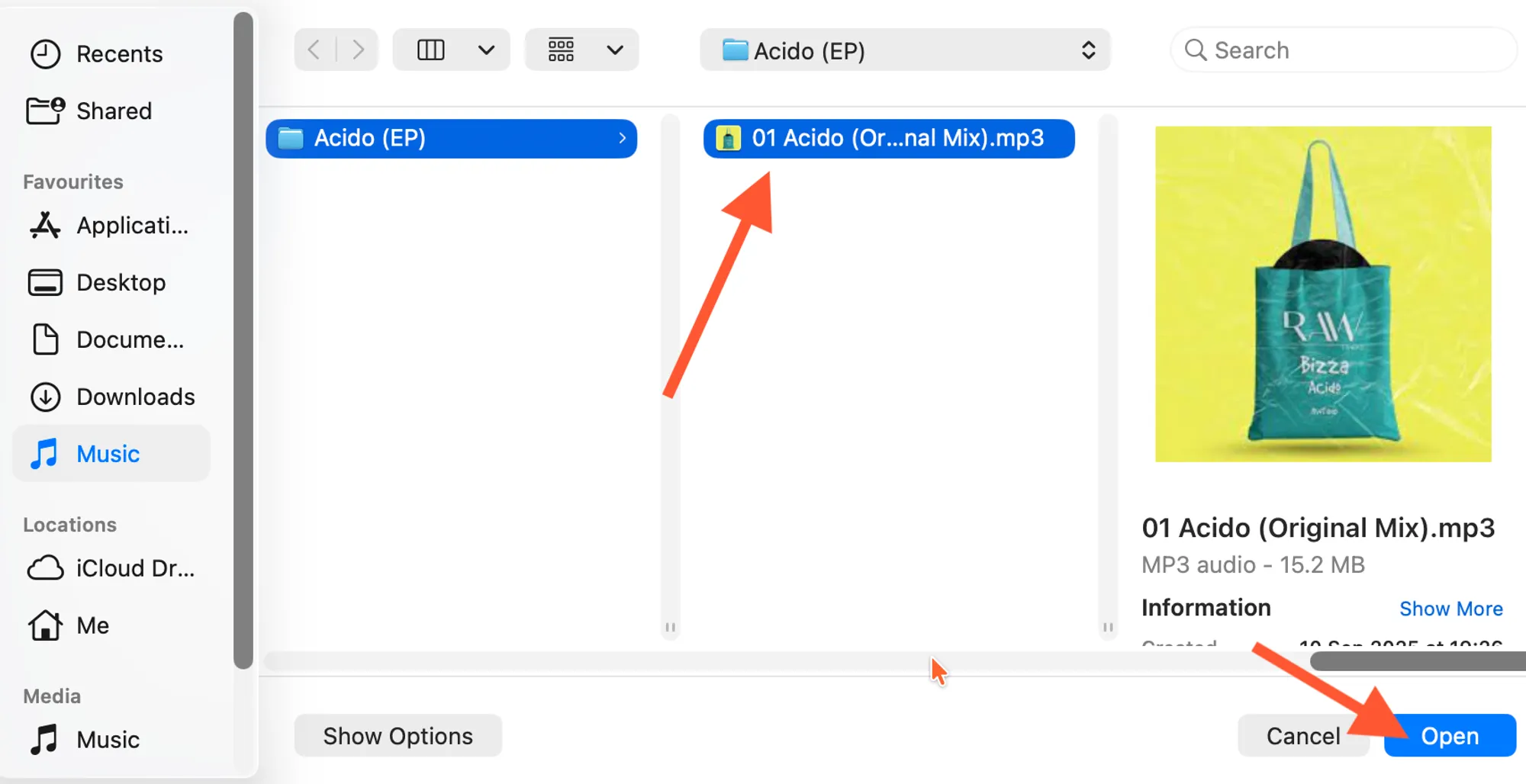
3. You will be directed to your FOLDERS where the song is stored.
4. Locate the track and select 'OPEN' to find and update the track in MIXO.
If you’re missing your entire library you’re able to relocate all missing tracks by selecting the correct folder.
First, check your library for missing tracks:
- Go to the ‘Tools’ tab.
- Select ‘Actions’.
- Click-on ‘Re-check Library’ button.
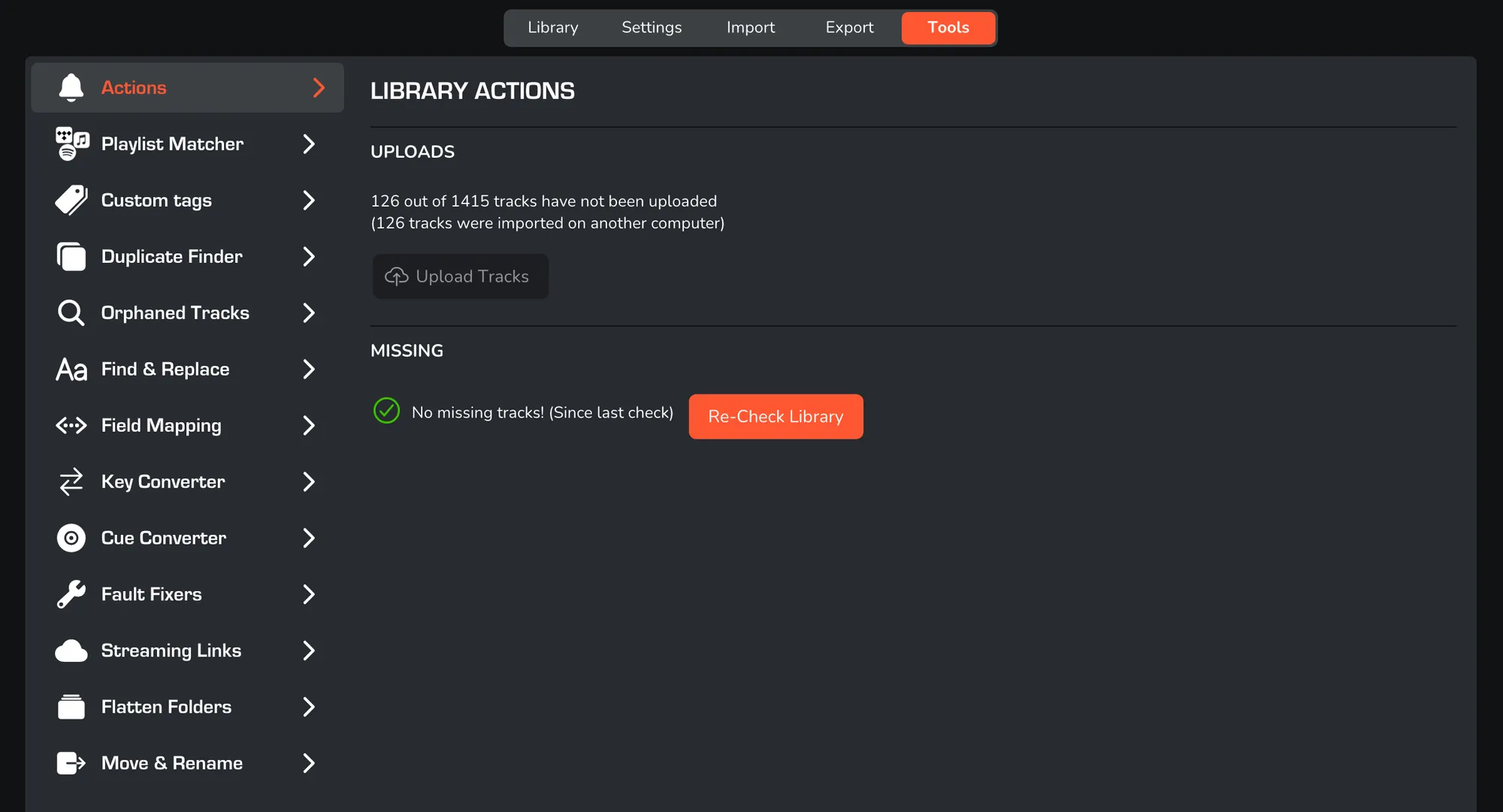
- After click on ‘Re-locate Missing Tracks’.