HOW TO QUEUE SONGS IN MIXO
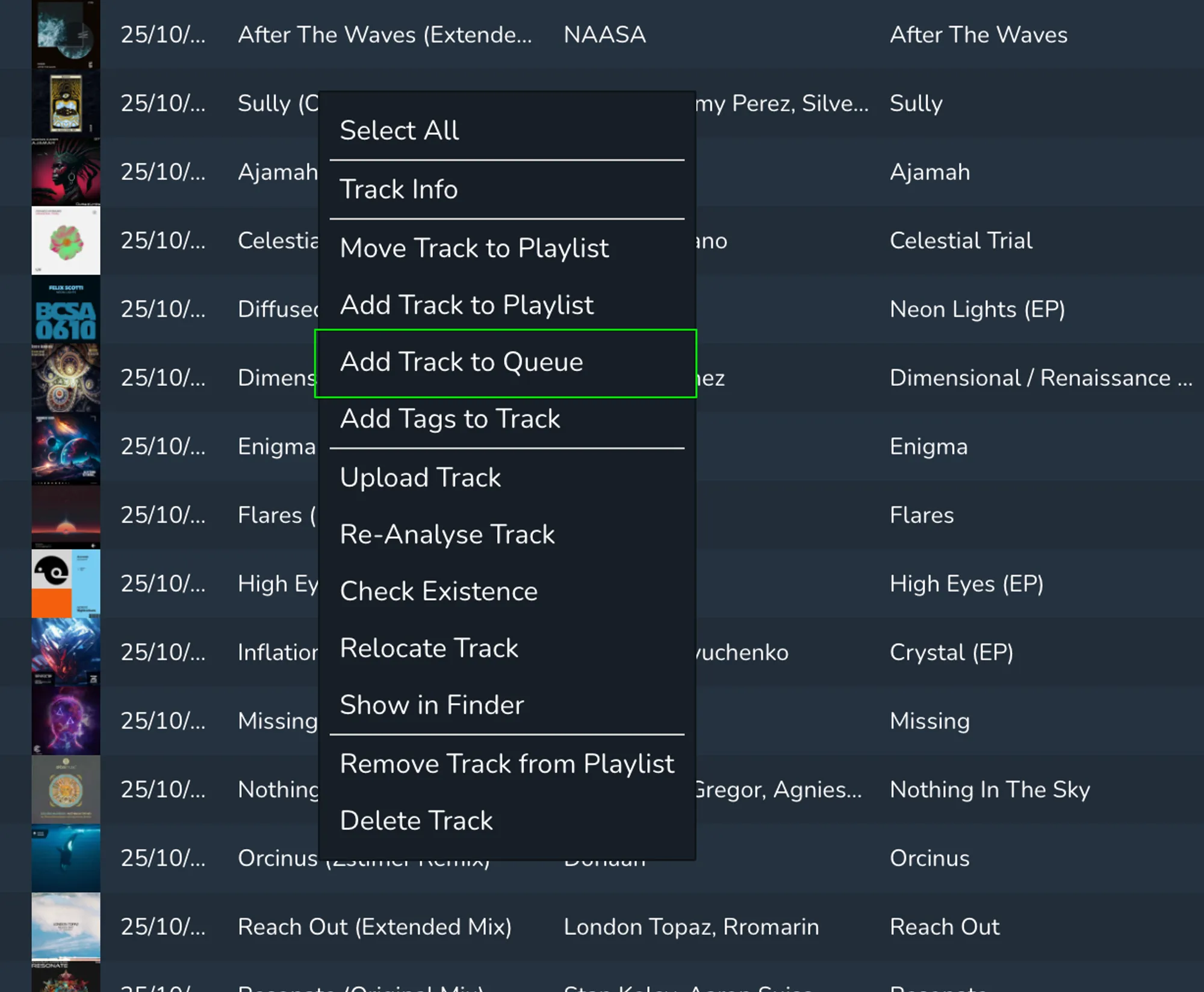
In order to add a track to the queue, you must right-click on the track you want to add and then select ‘Add Track to Queue’. Once selected, this track will automatically be added into your queue.
In order to add a track to the queue, you must right-click on the track you want to add and then select ‘Add Track to Queue’. Once selected, this track will automatically be added into your queue.