INSTALL MIXO ON WINDOWS
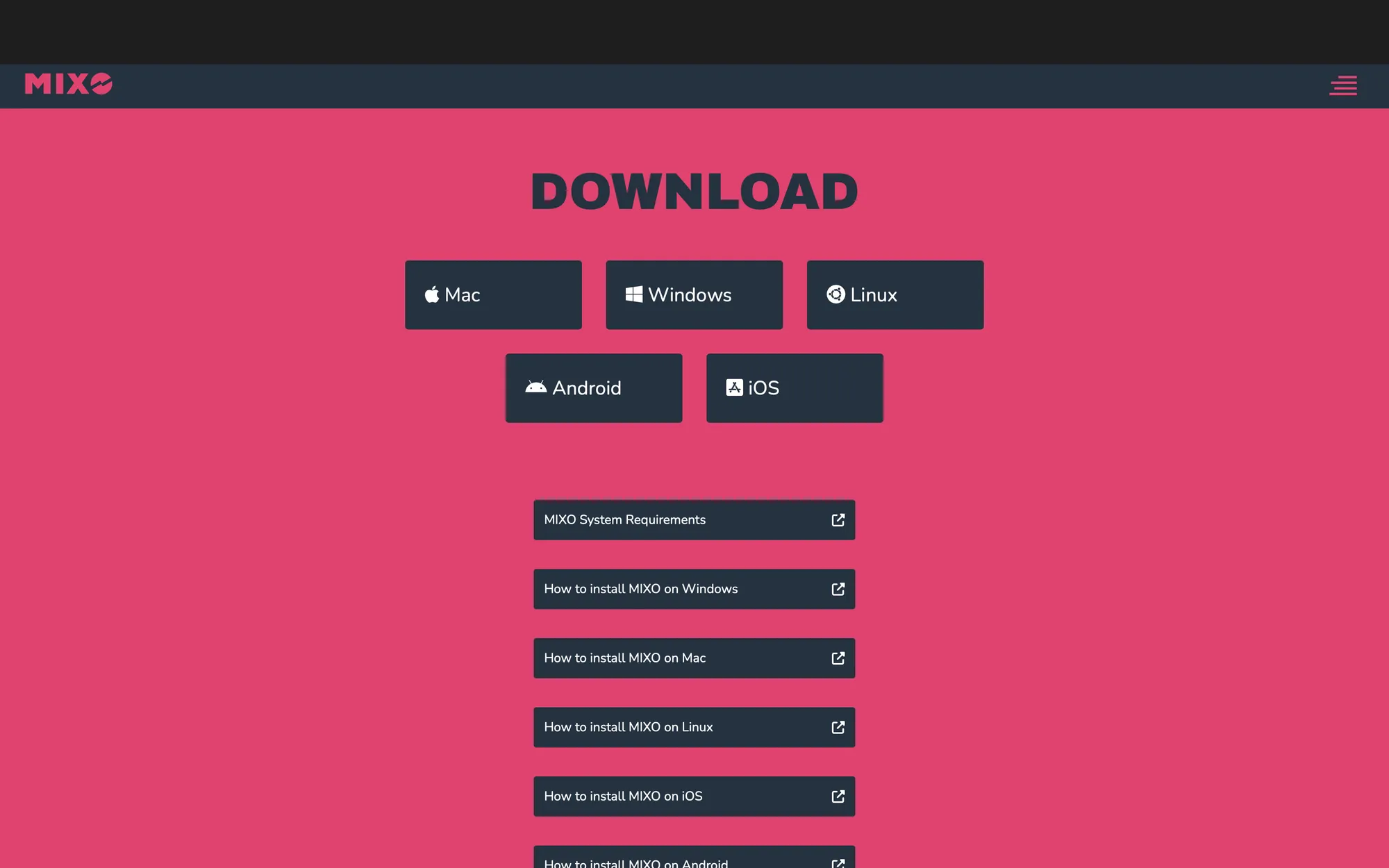
- Go to the MIXO download page and click the download for Windows button.
- Navigate to your downloads folder in explorer and run the MIXO installer.

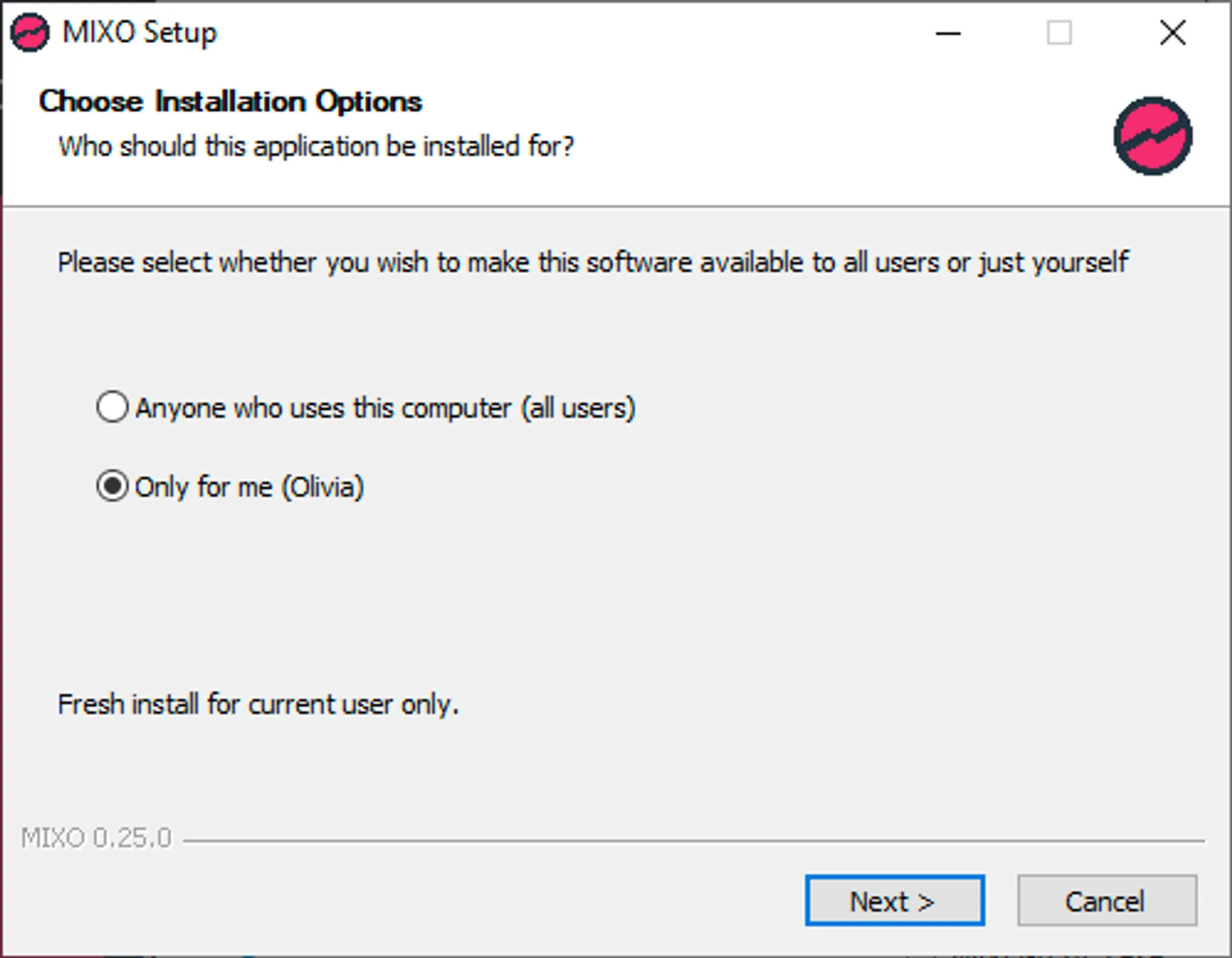
- Choose a user or allow all users to access the application once installed.
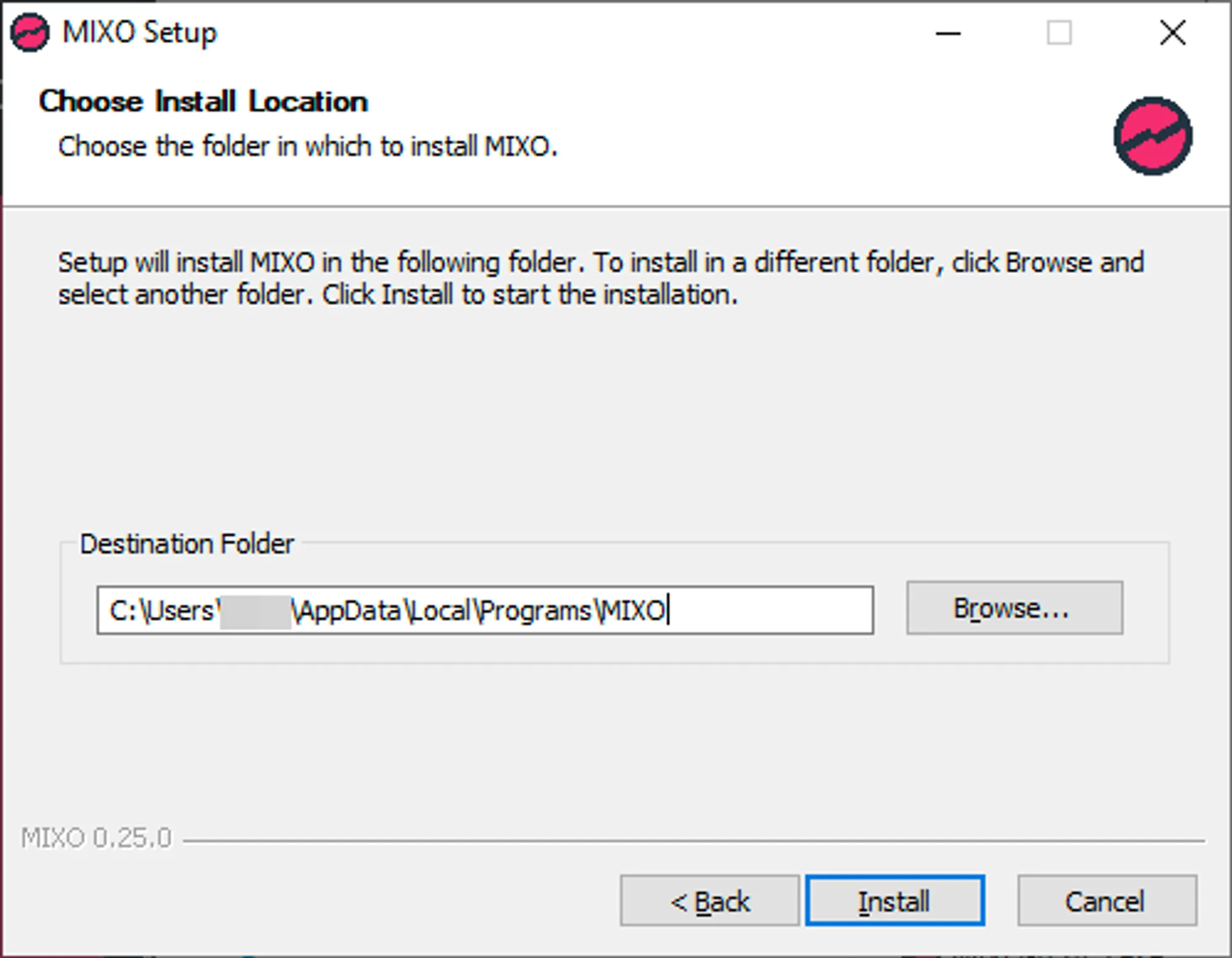
- Install MIXO in the AppData folder.
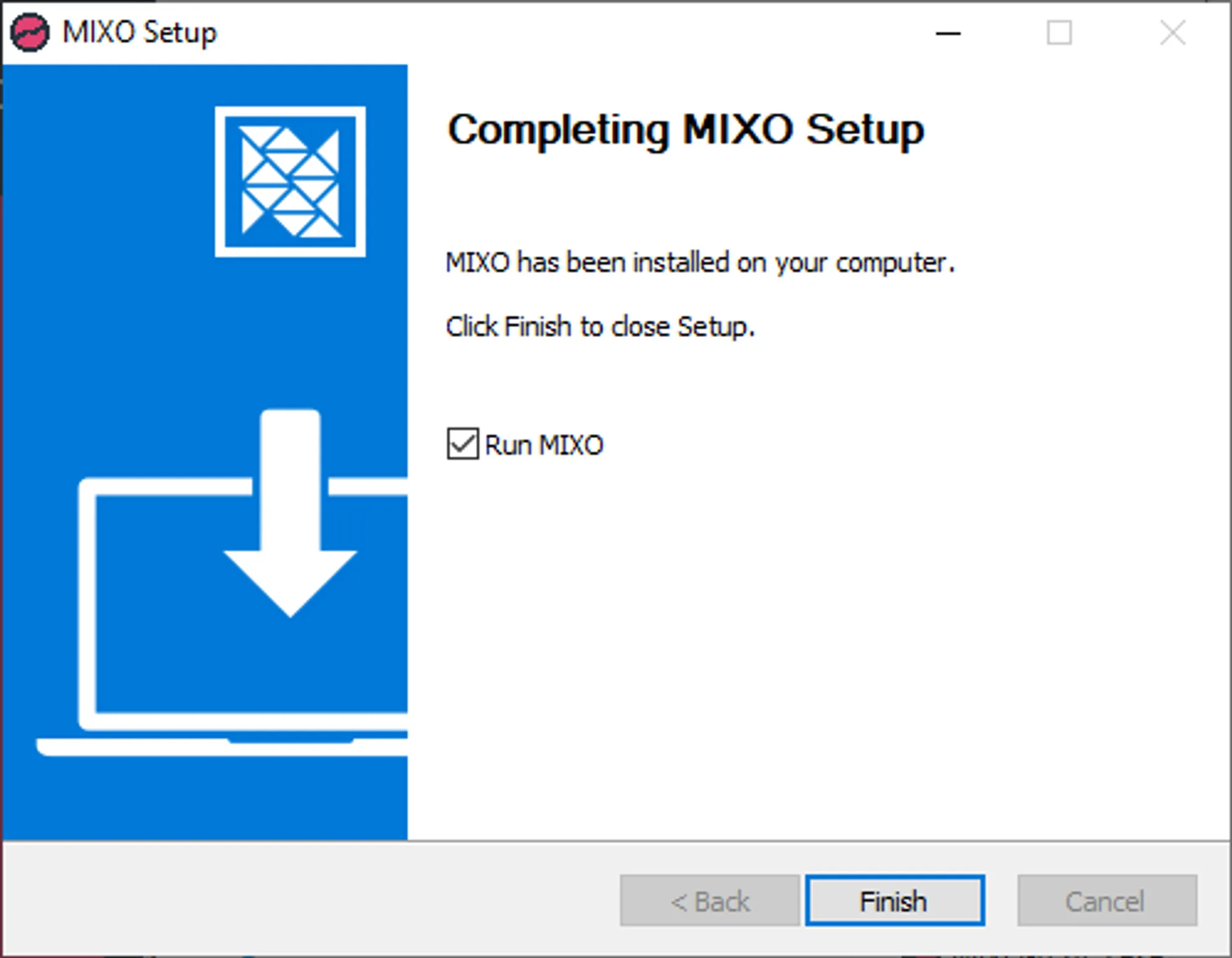
- Once installed you can then either run MIXO or close the installer.
See our Getting Started guide for information on how to import tracks, sync to your cloud and more.