INSTALL MIXO ON LINUX
MIXO for Linux comes in AppImage format, a universal package format, which allows you to install MIXO on most modern Linux distributions.
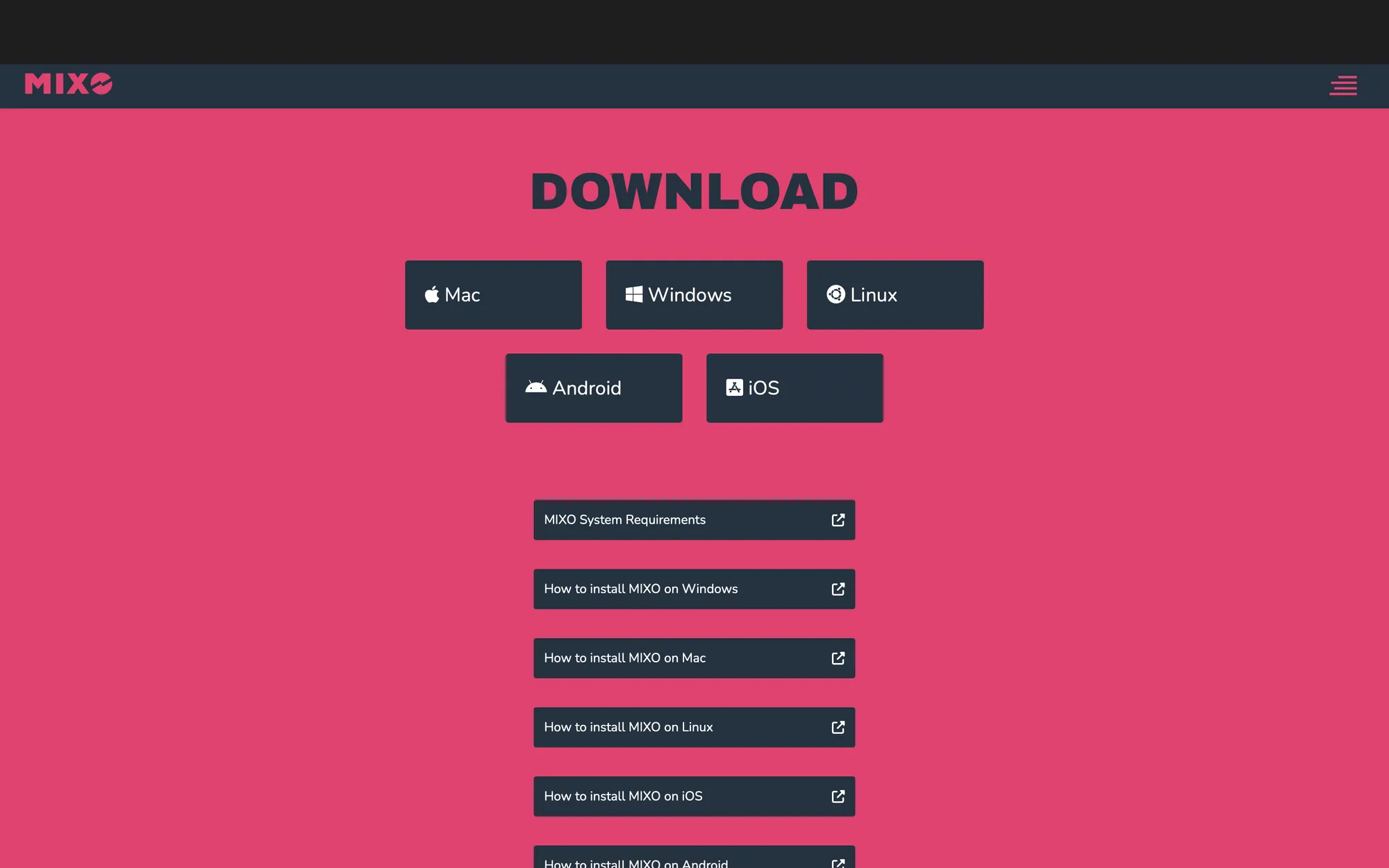
1. Download the MIXO AppImage for Linux
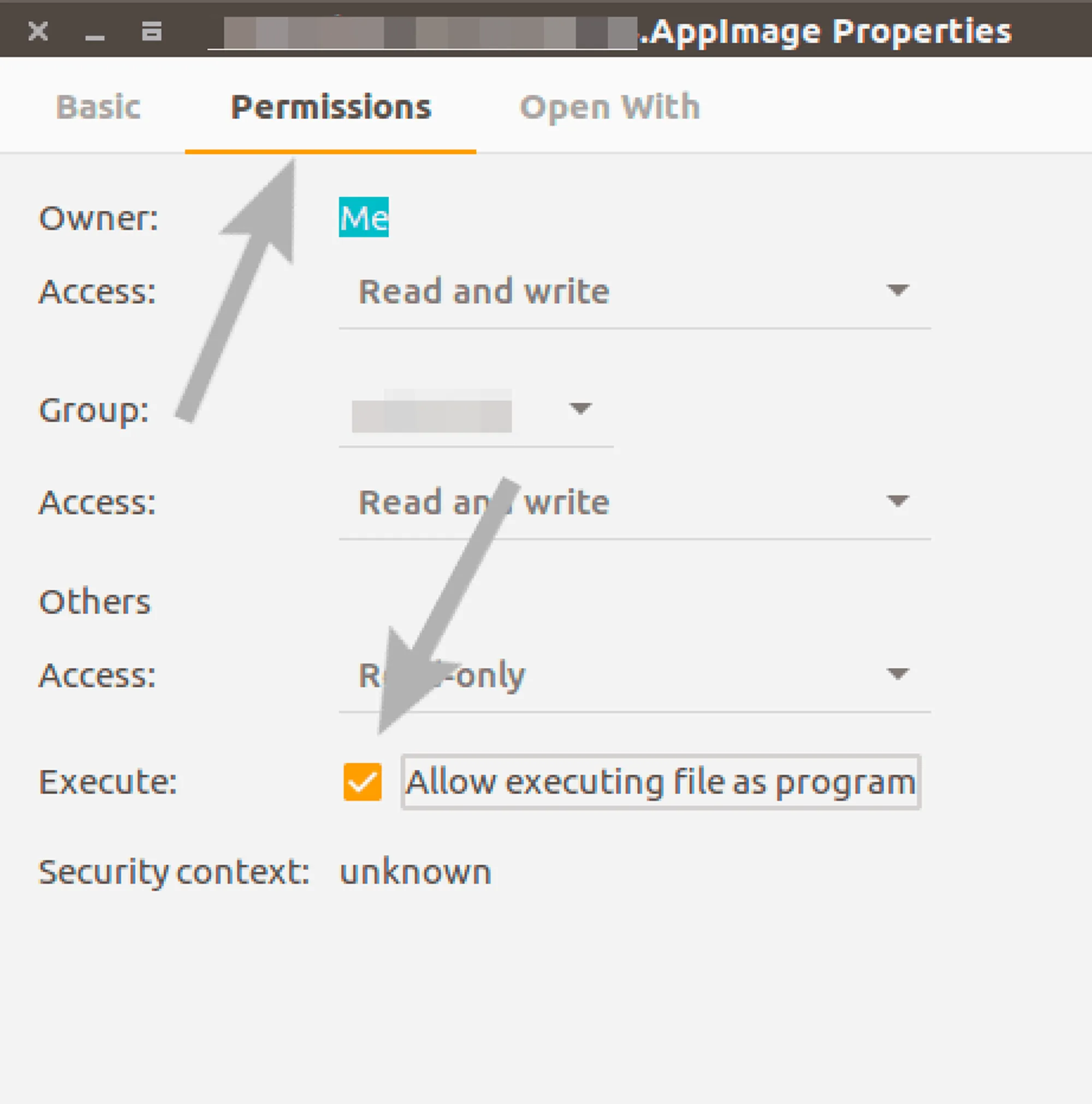
2. Right-click on the file and select properties. Check the executable box in the permissions tab.
3. Double-click on the file to run MIXO
To uninstall MIXO all you need to do is delete the AppImage file.