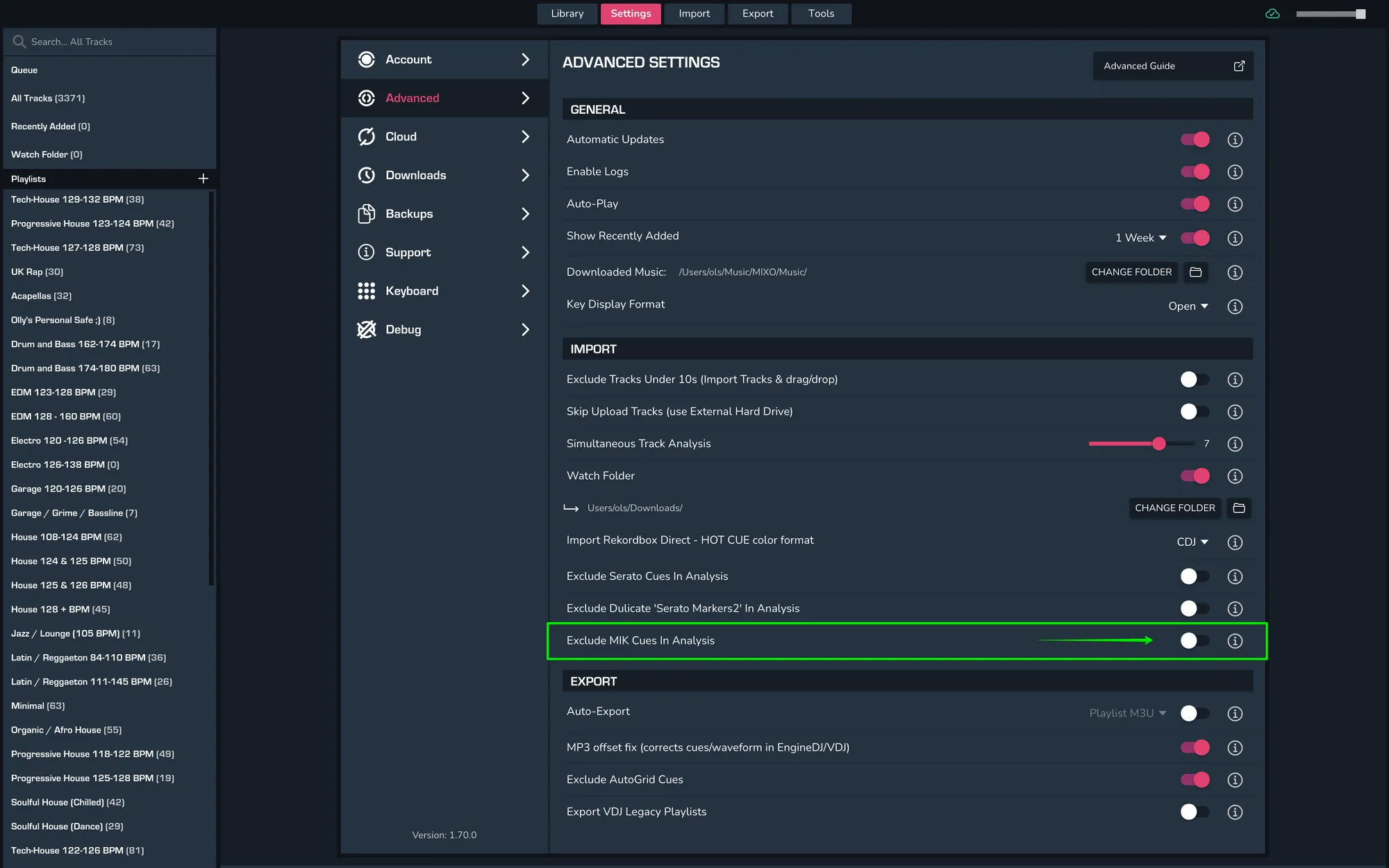
HOW TO EXCLUDE MIK (MIXED IN KEY) CUES DURING TRACK ANALYSIS
In order to exclude MIK cues during track analysis, head into MIXO and then go to Settings > Advanced > Import and then toggle ‘Exclude MIK Cues in Analysis’. This will allow you to exclude MIK cues and only import Serato cues instead.