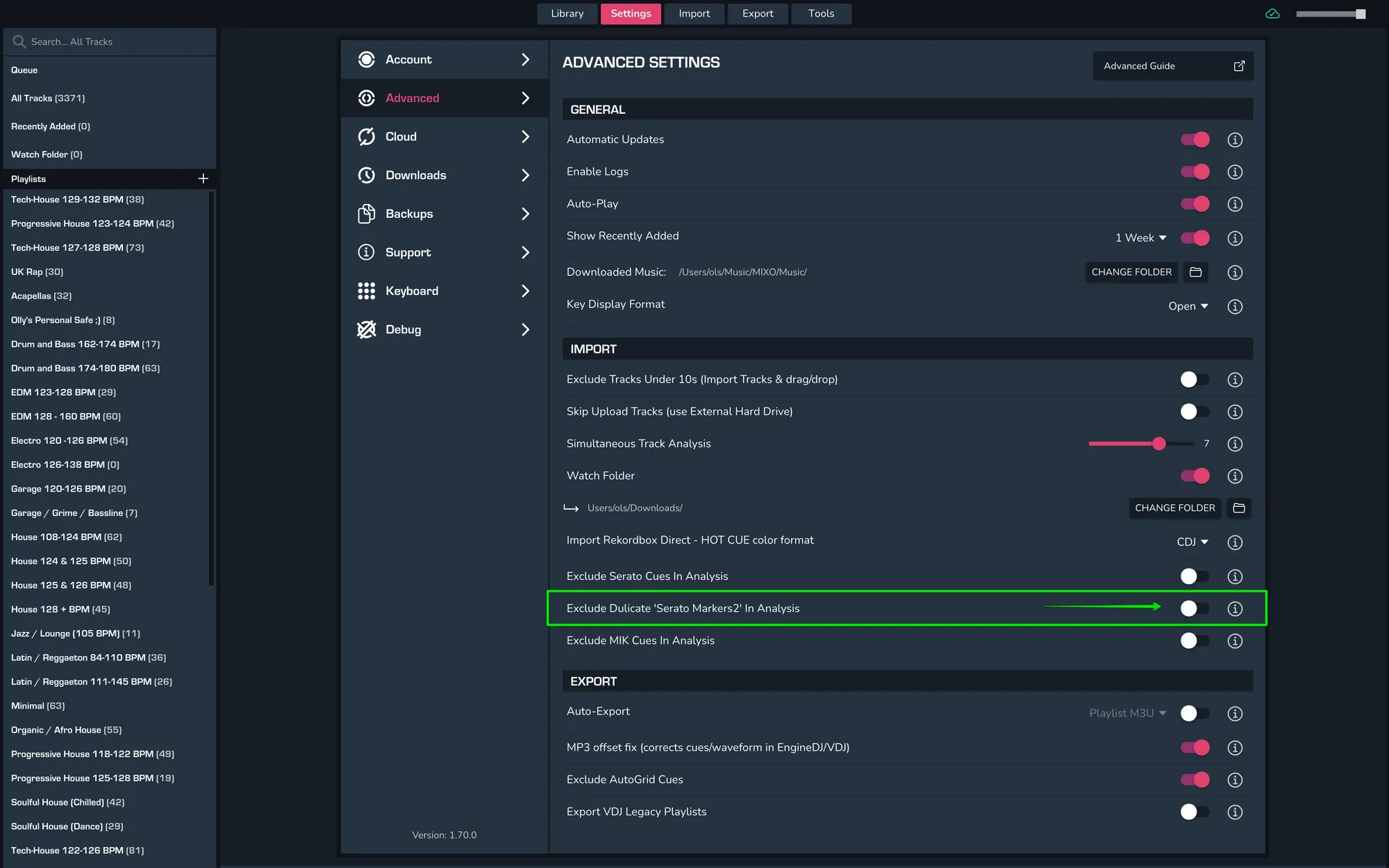
HOW TO EXCLUDE DUPLICATE ‘SERATO MARKERS 2’ DURING TRACK ANALYSIS
In order to exclude duplicate ‘Serato Markers 2’ during track analysis, head into MIXO and then go to Settings > Advanced > Import and then toggle ‘Exclude Duplicate Serato Markers 2 in Analysis’.