HOW TO CREATE A PLAYLIST IN MIXO
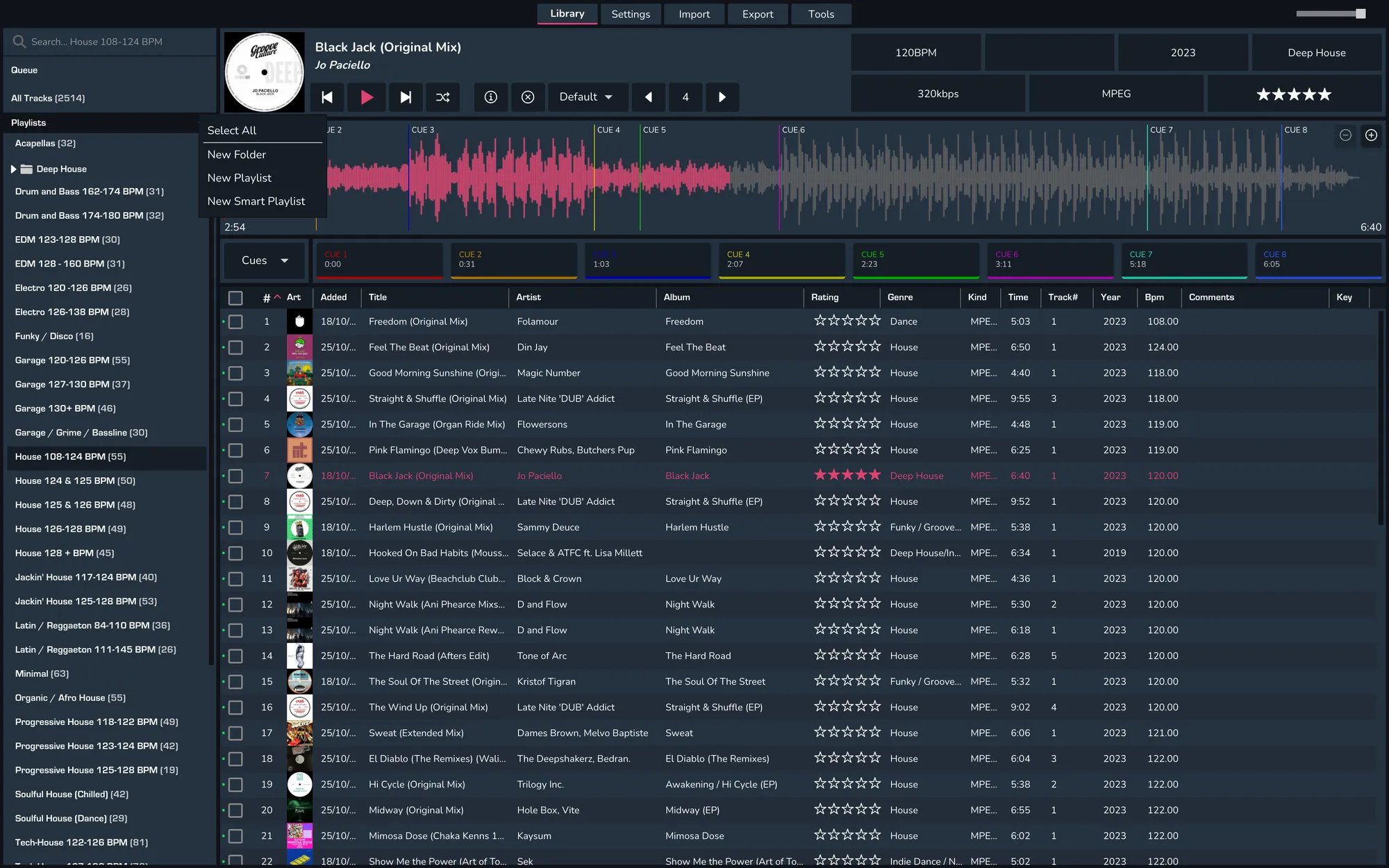
1. Right-click in the treeview to open the context menu
2. Select 'New Playlist'
3. Give the new playlist a name and click save

4. Your new playlist will now show in the tree view