CONNECT ONEDRIVE
1. Navigate to Settings -> Cloud.
2. Click the "Connect OneDrive" button.

3. Follow the OneDrive Sign-in procedure in the next window.
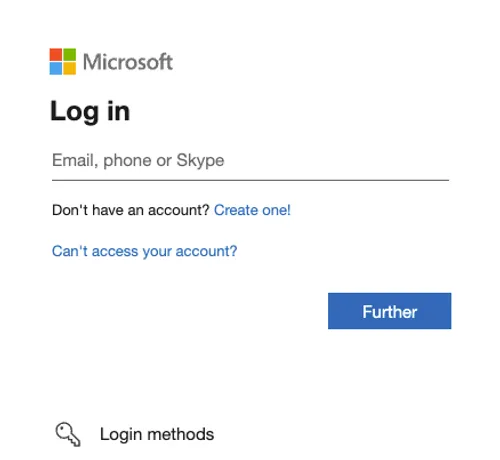
Once signed in, your OneDrive will be connected to MIXO and your tracks will automatically start uploading to your cloud.
We recommend you use a NEW cloud storage account for your MIXO Music sync.