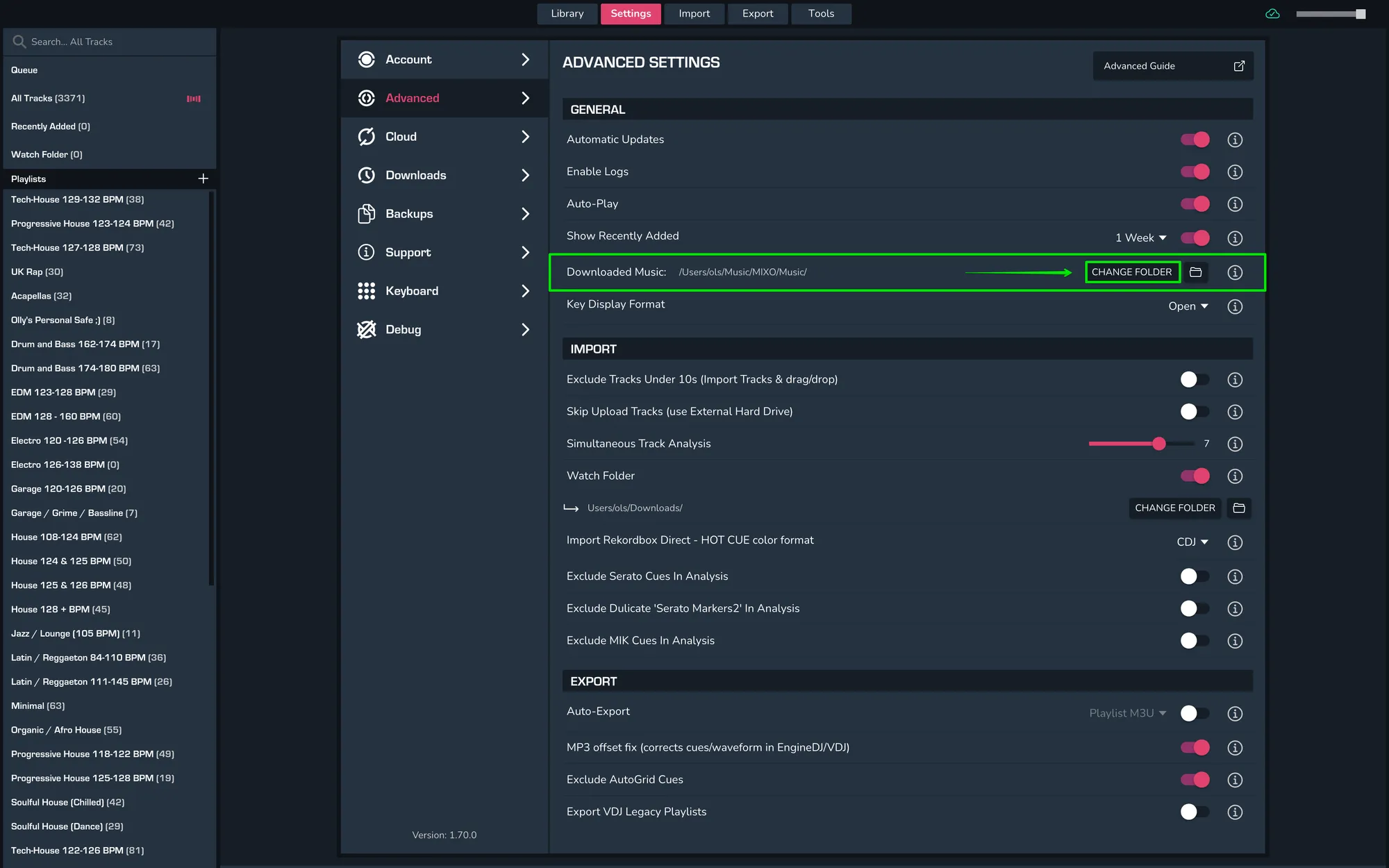
HOW TO CHANGE LOCATION FOR DOWNLOADED MUSIC
In order to change the location in which your downloaded music is stored, head into MIXO and then go to Settings > Advanced > General > Downloaded Music > Change Folder. This will allow you to choose where you want to keep your downloaded music.