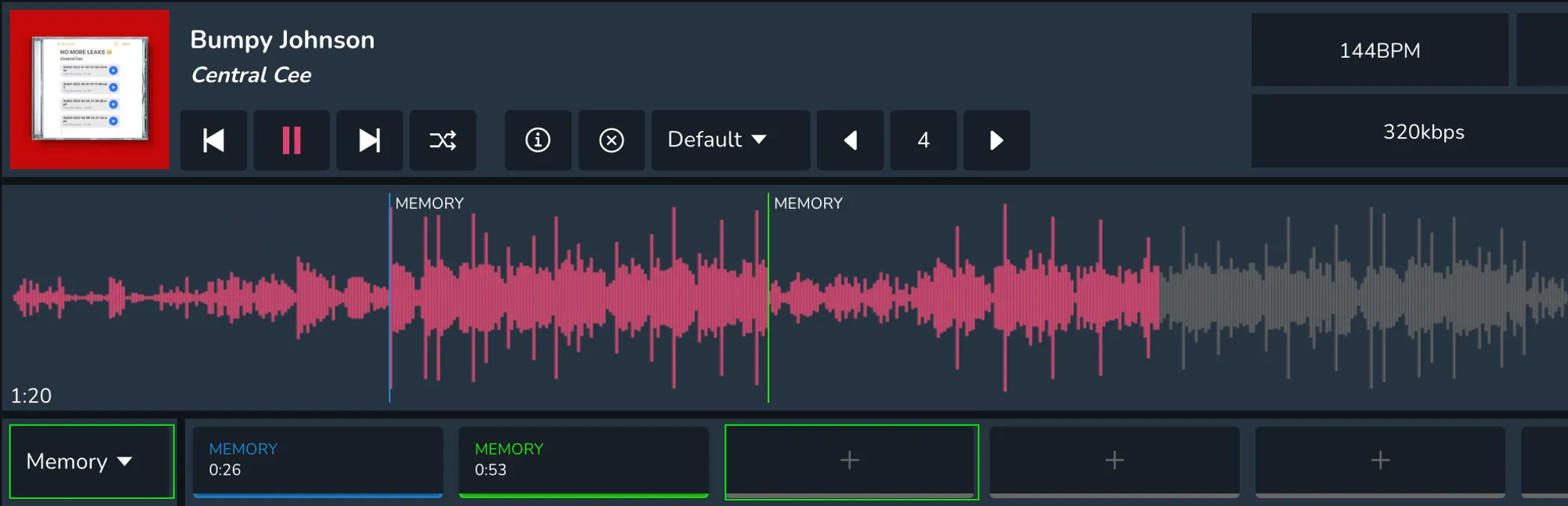
HOW TO ADD MEMORY CUES IN MIXO
In order to add memory cues, first start playing a track and then click on the ‘Cues’ drop down menu and select ‘Memory’. Once this is done, you can simply select the ‘+’ icons under the music player to add memory cues.