HOW DO I EDIT TRACK META DATA IN MIXO?
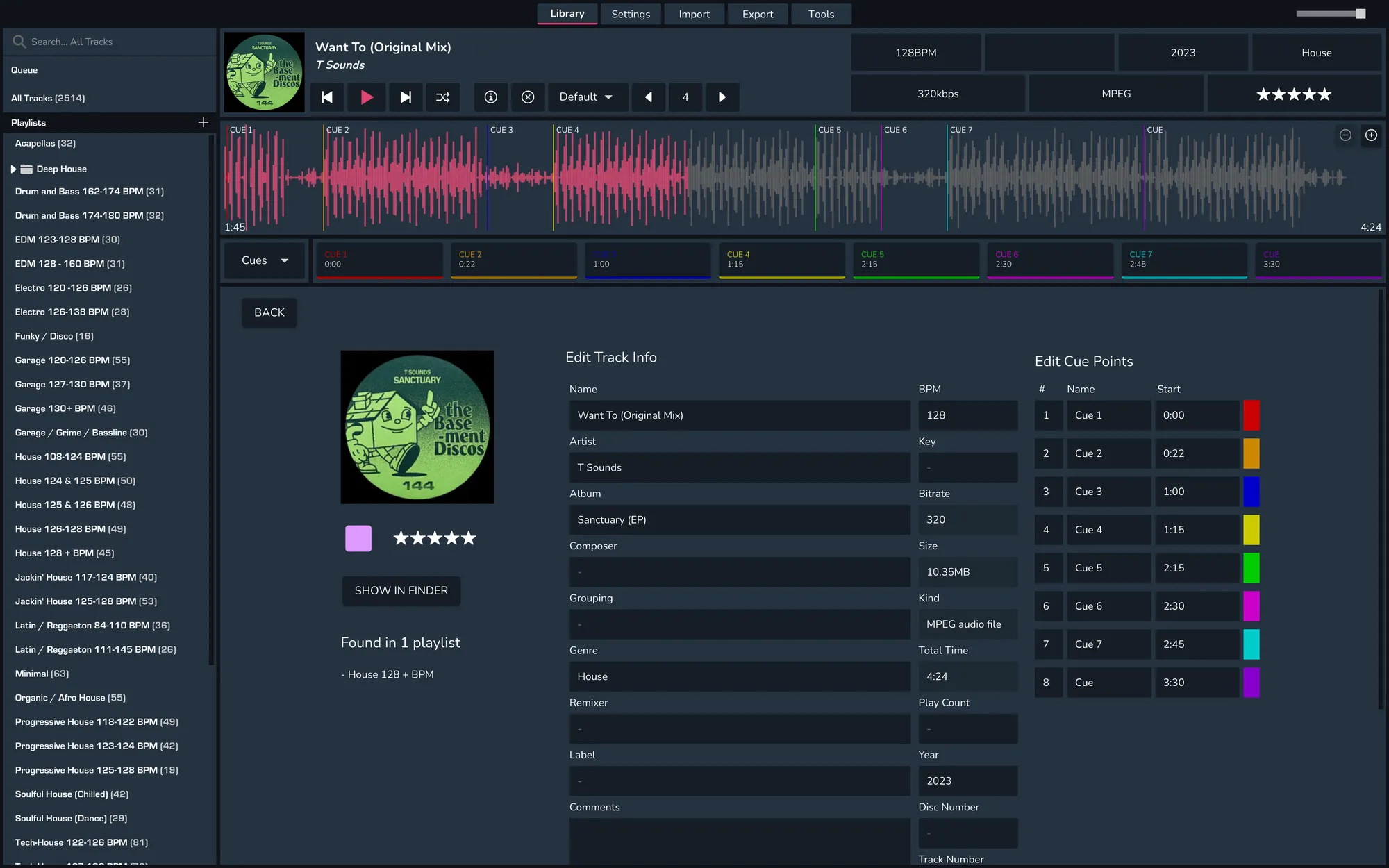
To edit track metadata, right-click on the track you want to edit and select 'Edit Track Info' or click on the 'i' icon above the track's waveform.
This will take you to a new view containing all track metadata from rating to tonality.
Empty fields will show a '-' giving a clearer view of what is missing from the metadata.
To begin making changes, click into a field or make a change.
Once completed hit 'Save' to confirm your changes