EXCLUDE AUTOGRID CUES WHEN EXPORTING
To prevent TRAKTOR AUTOGRID CUES from being included in your export, follow these steps:
- In MIXO, navigate to SETTINGS -> ADVANCED -> EXPORT.
- Toggle the option ‘EXCLUDE AUTOGRID CUES’.
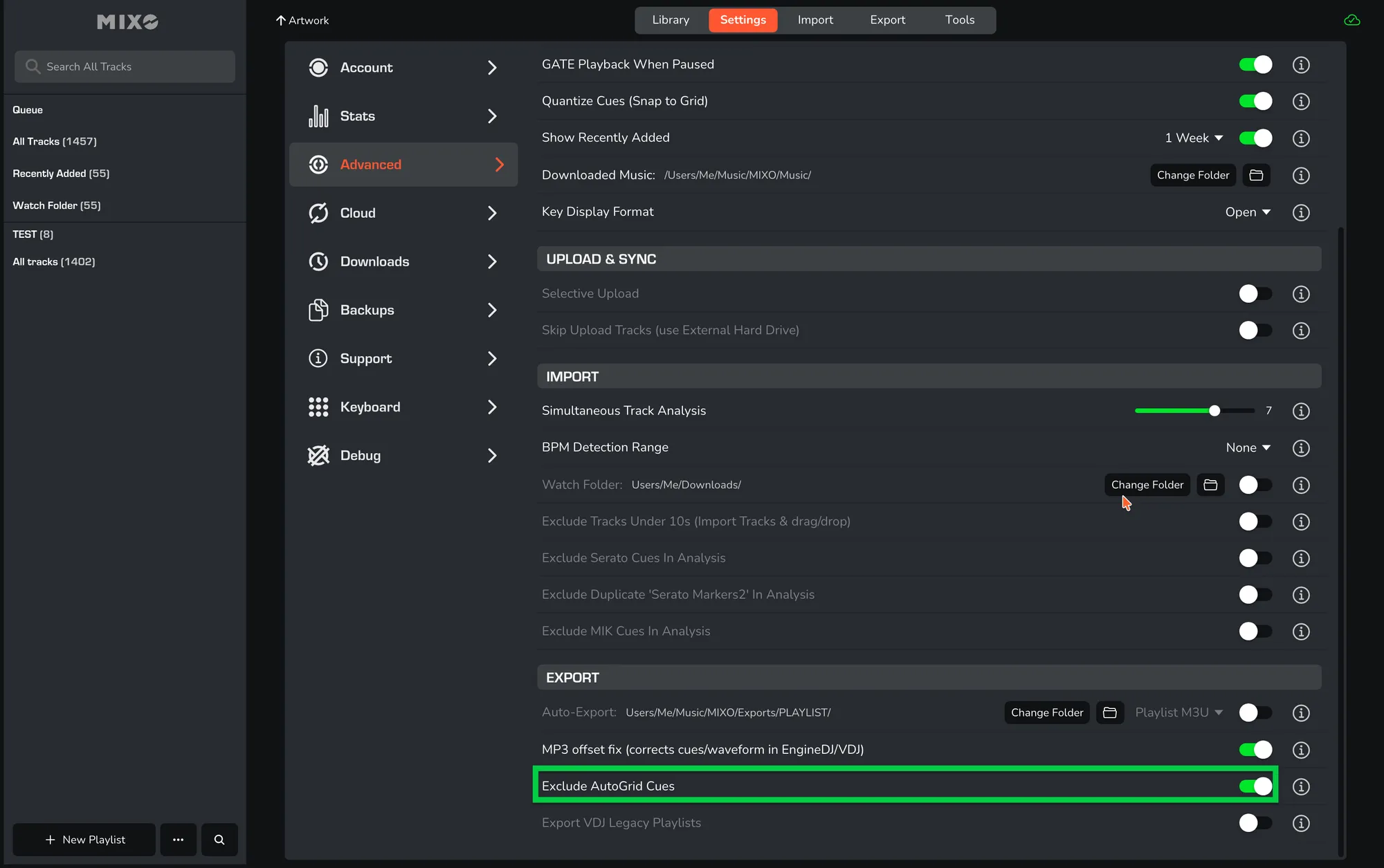
This setting allows you to exclude Traktor autogrid cues during export and replaces them with your other cue points instead.