ENGINE DJ TO MIXO
1. Importing your Engine DJ playlists to MIXO
- Make sure Engine DJ is closed
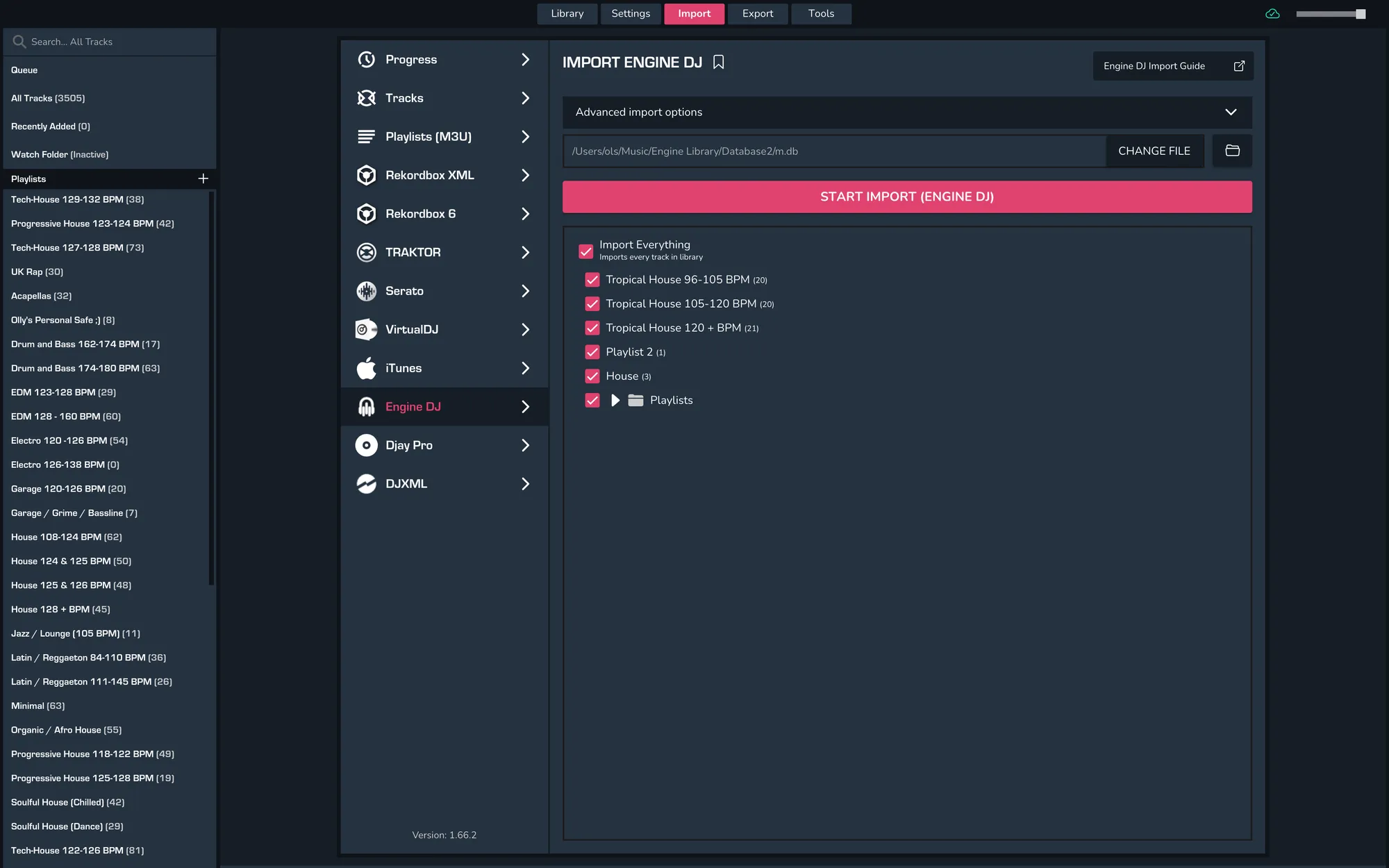
- Import > Engine DJ
- Wait for the page to parse, then select your playlists and click ‘Import Engine DJ’.
- When re-importing from Engine DJ, MIXO will check each file to see when it was last updated and only re-analyses tracks if they have been updated more recently than the existing track in MIXO
- Existing playlist and playlist tracks are also updated automatically, so any changes to playlists are reflected in MIXO.
Backups
MIXO will automatically backup your DJ Libraries every time you export.
It's also a good idea to regularly backup your source library and computer.