EDIT BEATGRIDS IN MIXO
MIXO beatgrids can be edited on both your desktop and mobile app. Beatgrids are available for all tracks with BPM and are offset using imported data, where available. If the track does not have BPM, you can analyze this on desktop.
To find and edit a beatgrid:
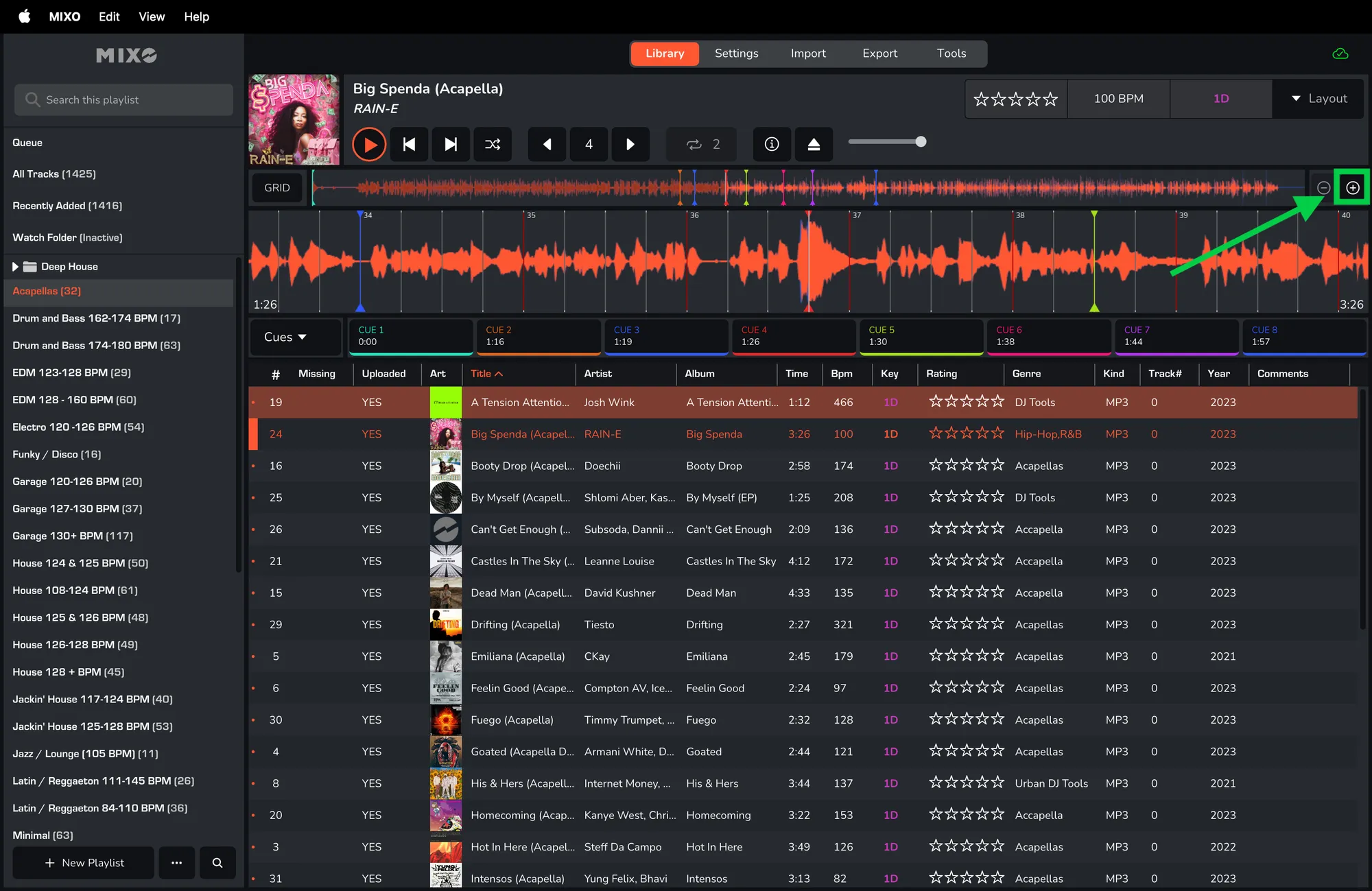
- Play a track and zoom the waveform using the '+' icon in the top right corner of the waveform.
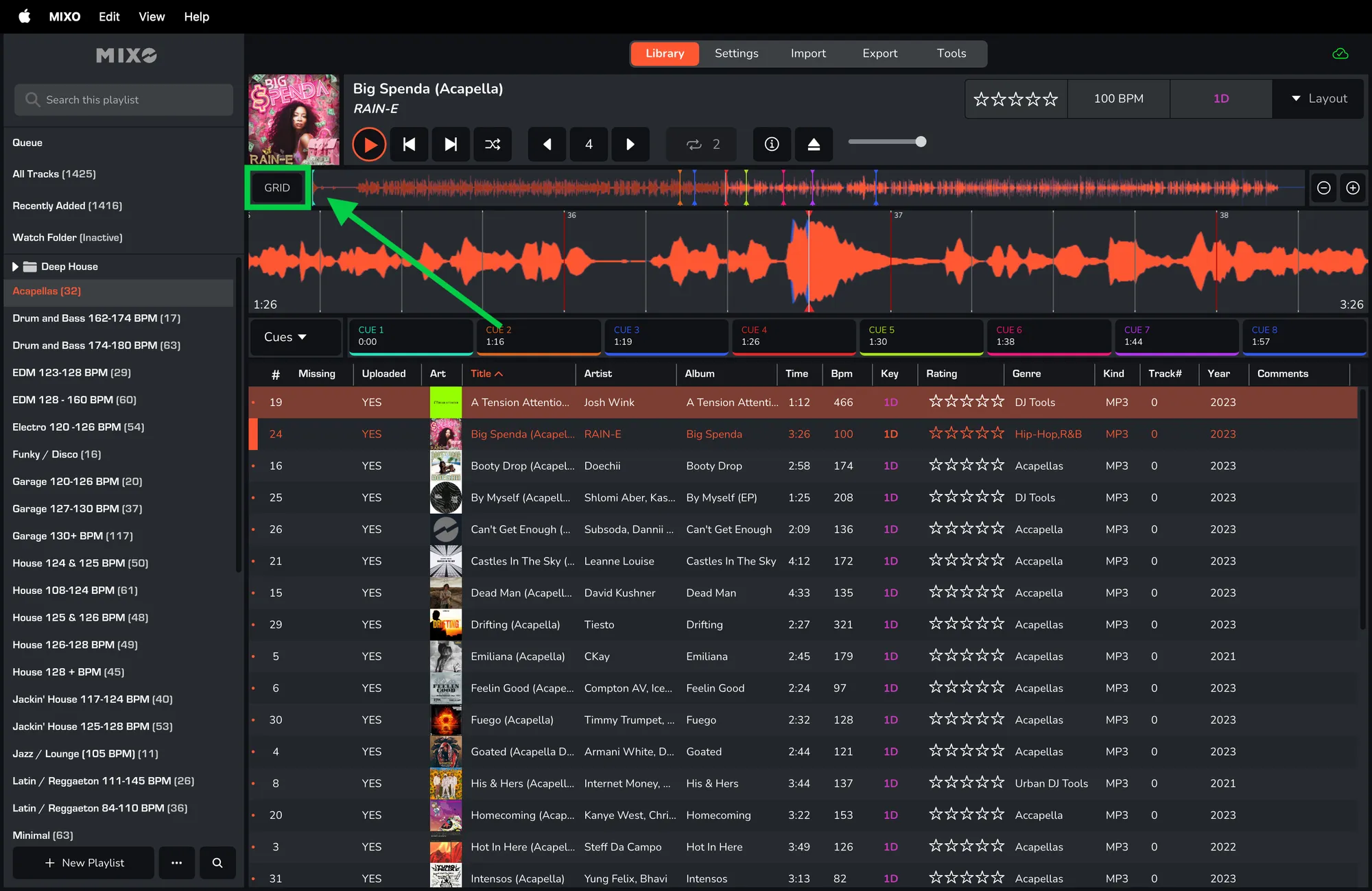
- Click the 'GRID' button in the top left corner of the waveform.
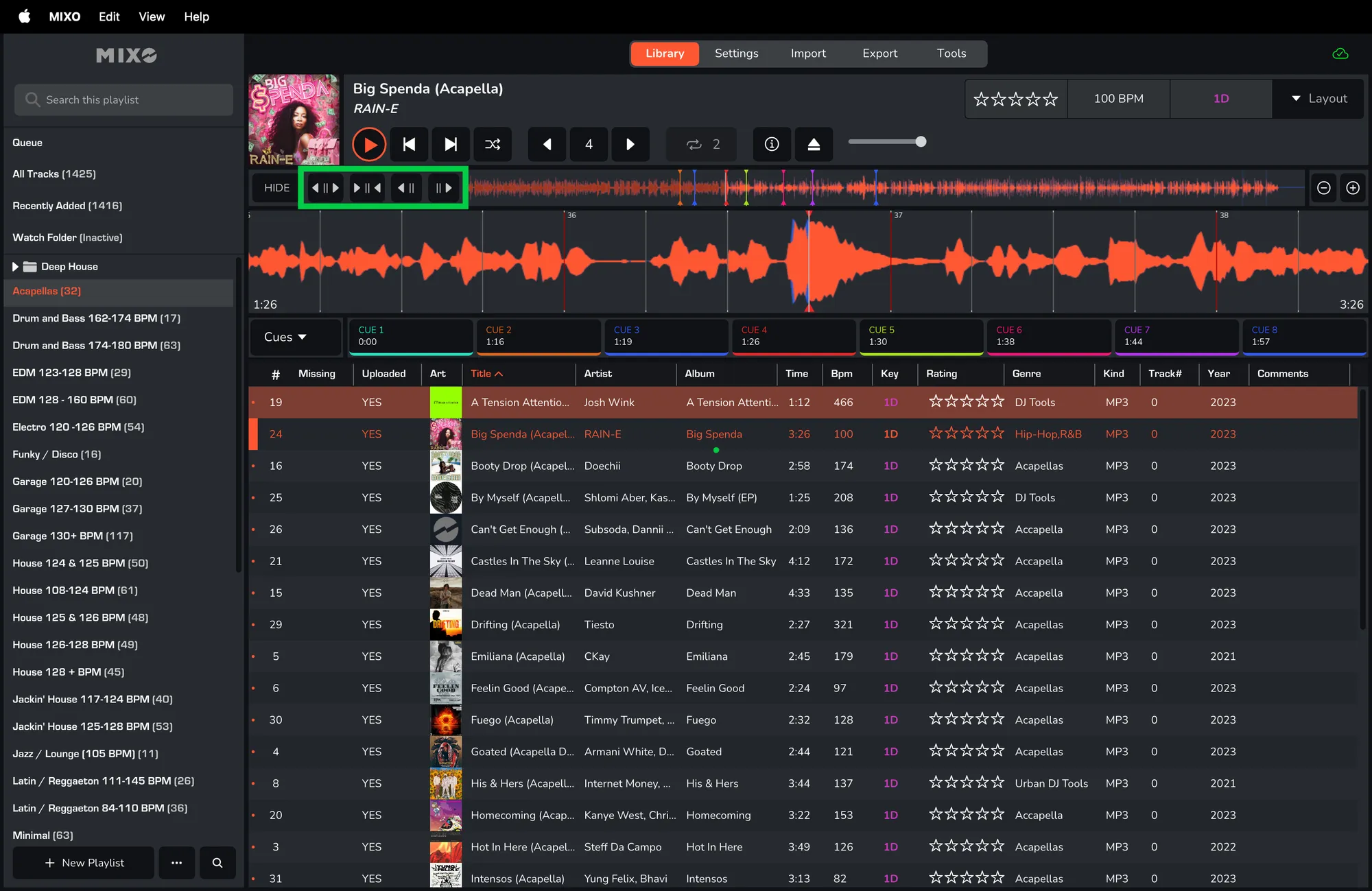
- Once the grid is visible, you can shift the whole grid left/right or expand/decrease the gaps between the bars.
Any changes to a beatgrid are saved and synced.