DOWNLOAD PLAYLISTS ON IOS & ANDROID
If you want to listen to your music without an internet connection, you can download your playlists directly to your mobile device.
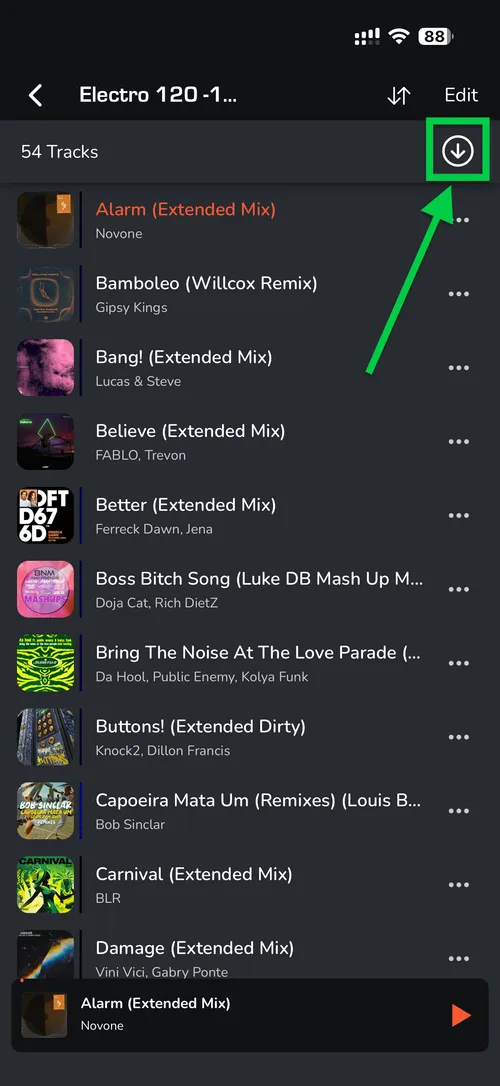
1. Select your playlist.
2. At the top of the screen, toggle the ‘Download’ button.
Once turned on, MIXO will automatically begin downloading all tracks within that playlist to your device.
3. An orange indicator will appear next to the playlist name once the download is complete.

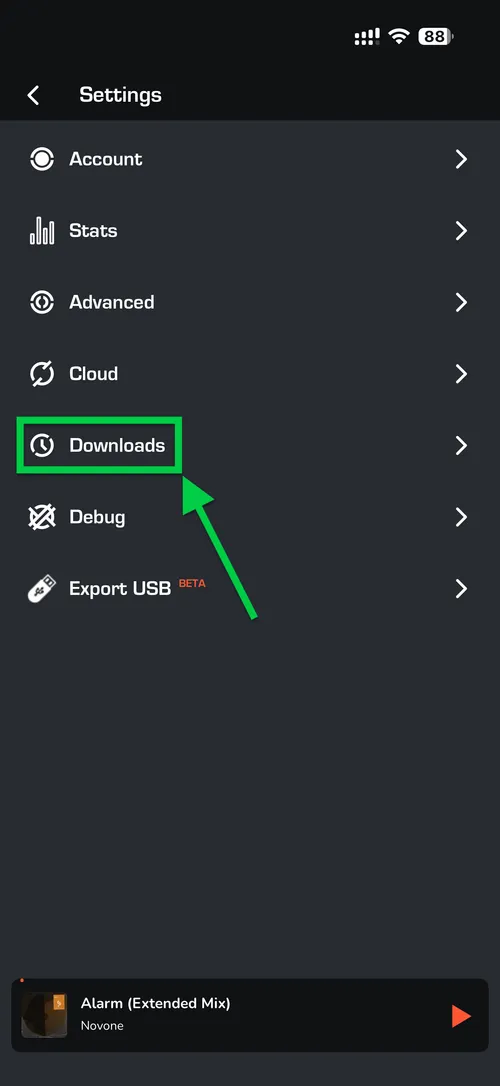
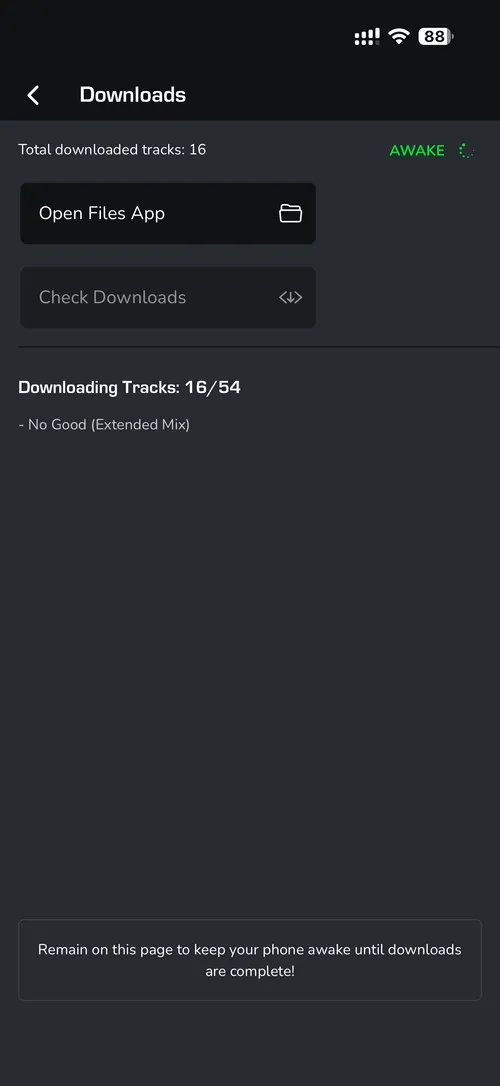
4. If you want to see how many tracks are remaining, go to Settings -> Downloads.