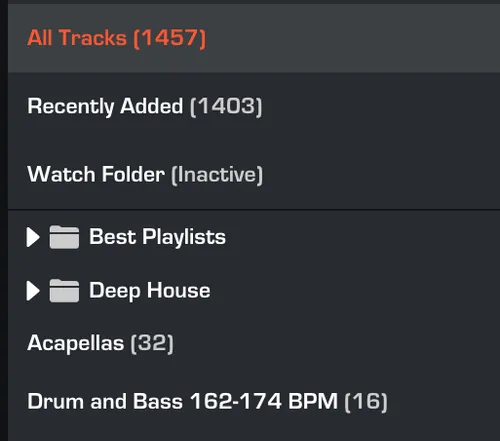
CREATE NEW FOLDER
1. In MIXO either navigate to the ‘...’ icon next to the ‘NEW PLAYLIST’ button or right-click on the playlists area.
2. Select ‘NEW FOLDER’.

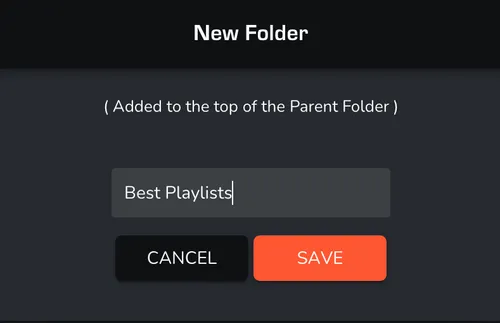
3. Enter a name for your new folder and select ‘SAVE’.
Once completed, your new folder will appear next to your other playlists/folders. New or existing playlists can now be added to your folder.