CREATE A PLAYLIST IN MIXO
Follow these simple steps to create a new playlist in your library.
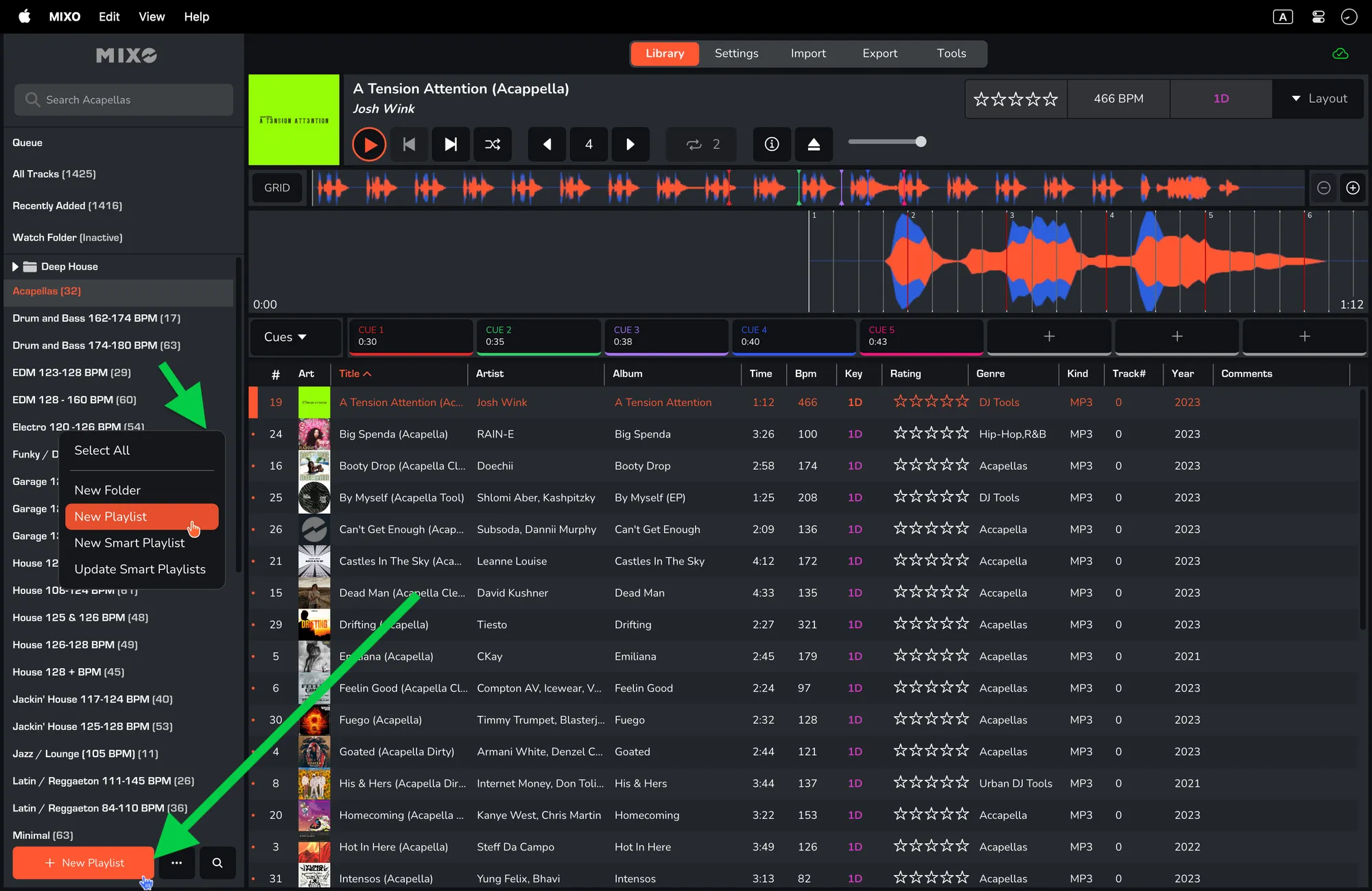
- In the left lower corner select ‘NEW PLAYLIST’
- Alternatively right-click in the tree view to open the context menu and select 'NEW PLAYLIST'.
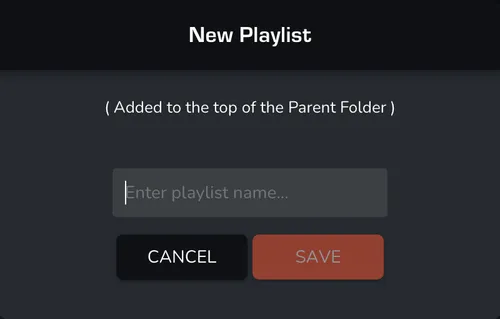
- Give the new playlist a name and click ‘SAVE’. Your new playlist will now show in the tree view.