CHECK TRACK EXISTENCE
HOW TO CHECK TRACK EXISTENCE
- In MIXO navigate to any TRACK.
- RIGHT-CLICK on the track and select 'CHECK EXISTENCE'.
- If the track exists, a pop-up will appear stating 'NO PROBLEMS FOUND'.
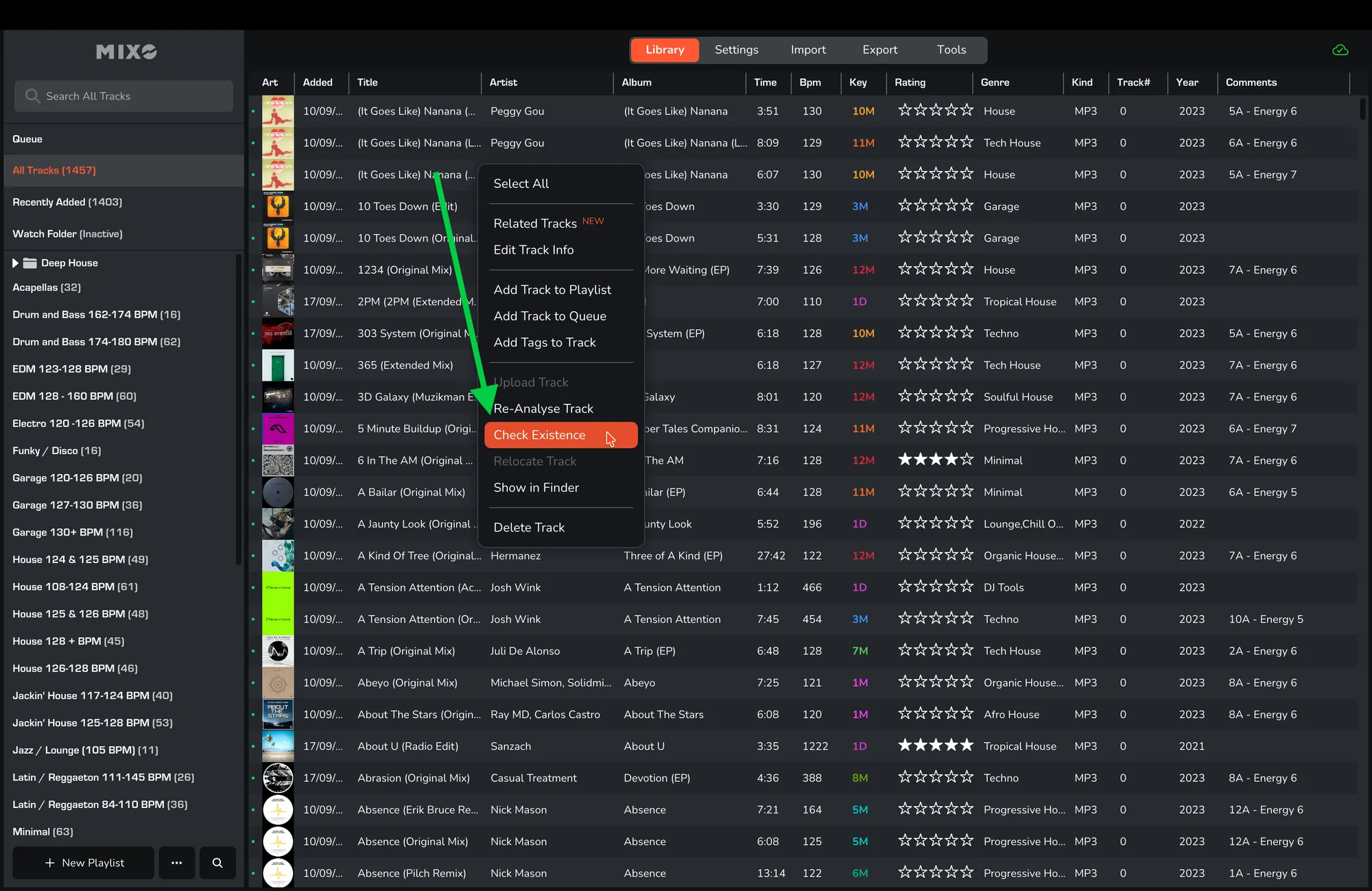
If the track does not exist, a pop-up will appear stating '1 TRACK UPDATED. 1 TRACK OK'. The track will then be marked as missing, allowing you to use the 'RELOCATE TRACK' tool.