BACKUP VIRTUAL DJ LIBRARY
1. Open VirtualDJ.
2. Click the Browser options icon (the small gear or list icon) located near the search bar or in the side panel.
3. Create Backup: Navigate to Database -> Create database backup.

4. Confirm: VirtualDJ will create a snapshot of your database in the VirtualDJ folder on your computer.
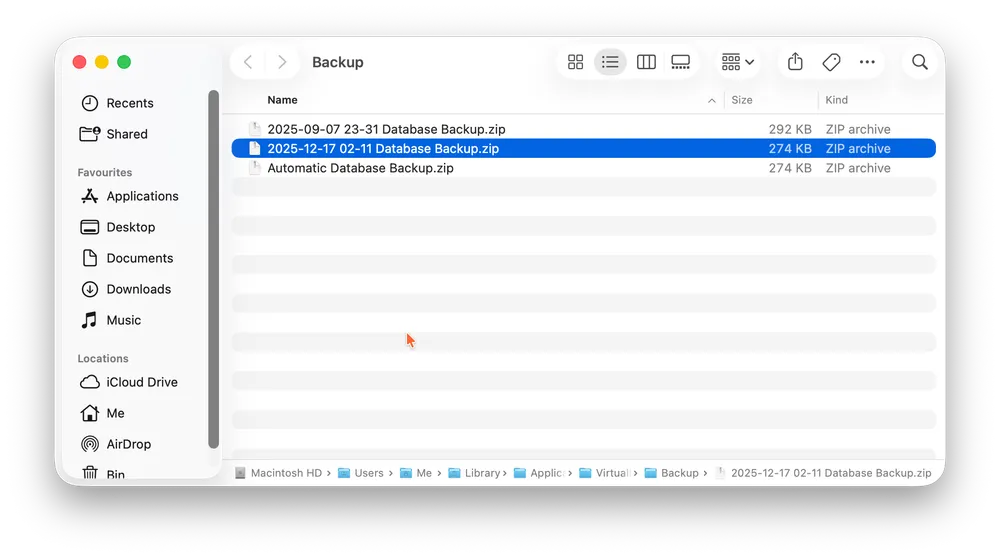
Where to Find Your Backups
Depending on your operating system and settings, your backup files are usually stored here:
Windows: Users -> UserName -> Documents -> VirtualDJ -> Backup
macOS: Users -> UserName -> Library -> Application support -> VirtualDJ -> Backup