BACKUP MIXXX LIBRARY
1. Open your file browser.
2. Find your Mixxx preference folder at the following location based on your operating system:
- Windows: Users -> UserName -> AppData -> Local -> Mixxx

- Mac: Users -> UserName -> Library -> Application Support -> Mixxx
-


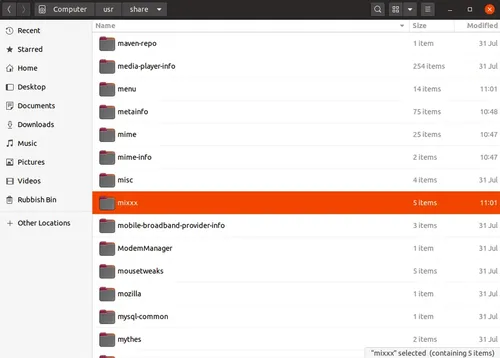
3. Copy this folder and paste it into a secure backup location, such as an external drive or a different folder on your computer.
Notes:
Windows Users: The AppData folder is hidden by default. To see it, click the View tab in File Explorer and check the box for Hidden items.
MAC Users: Ensure the Library folder is visible: Finder -> Right-click -> ‘Show View Options’ -> tick ‘Show Library Folder’).