AUTO-PLAY
The Auto-Play feature determines how tracks behave when you are browsing and streaming your music through MIXO.
- Go to Settings -> Advanced -> General.
- Locate the Auto-Play toggle.
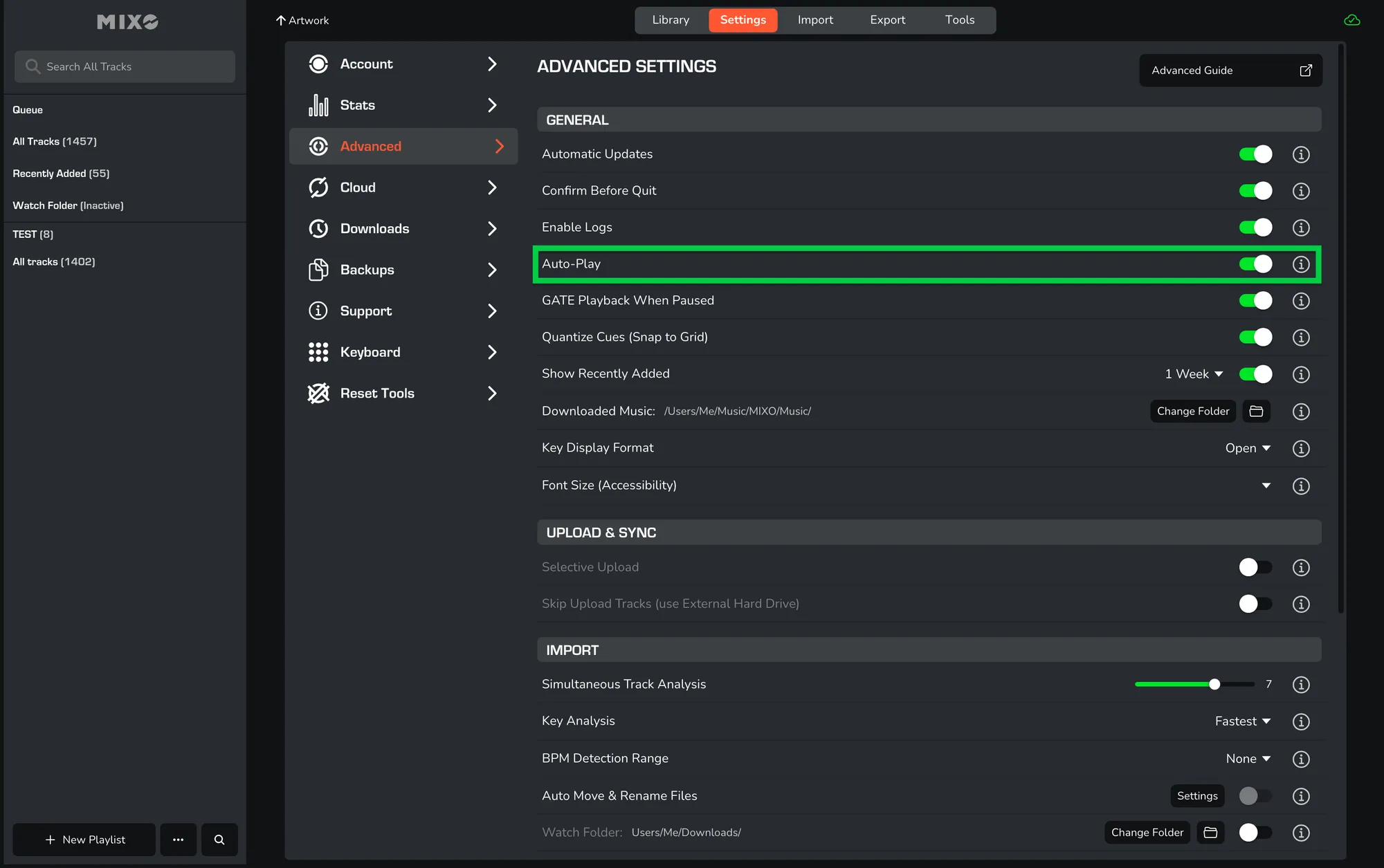
When enabled: tracks will play consecutively, moving automatically to the next song in the list. This also means tracks start playing as soon as they are clicked in your library.
When disabled: tracks are loaded into the player in a paused state. This is ideal for DJs who want to load a track to check waveforms or cue points without immediate audio playback.