ADD A NEW PLAYLIST TO FOLDER
- In MIXO navigate to any EXISTING FOLDER.
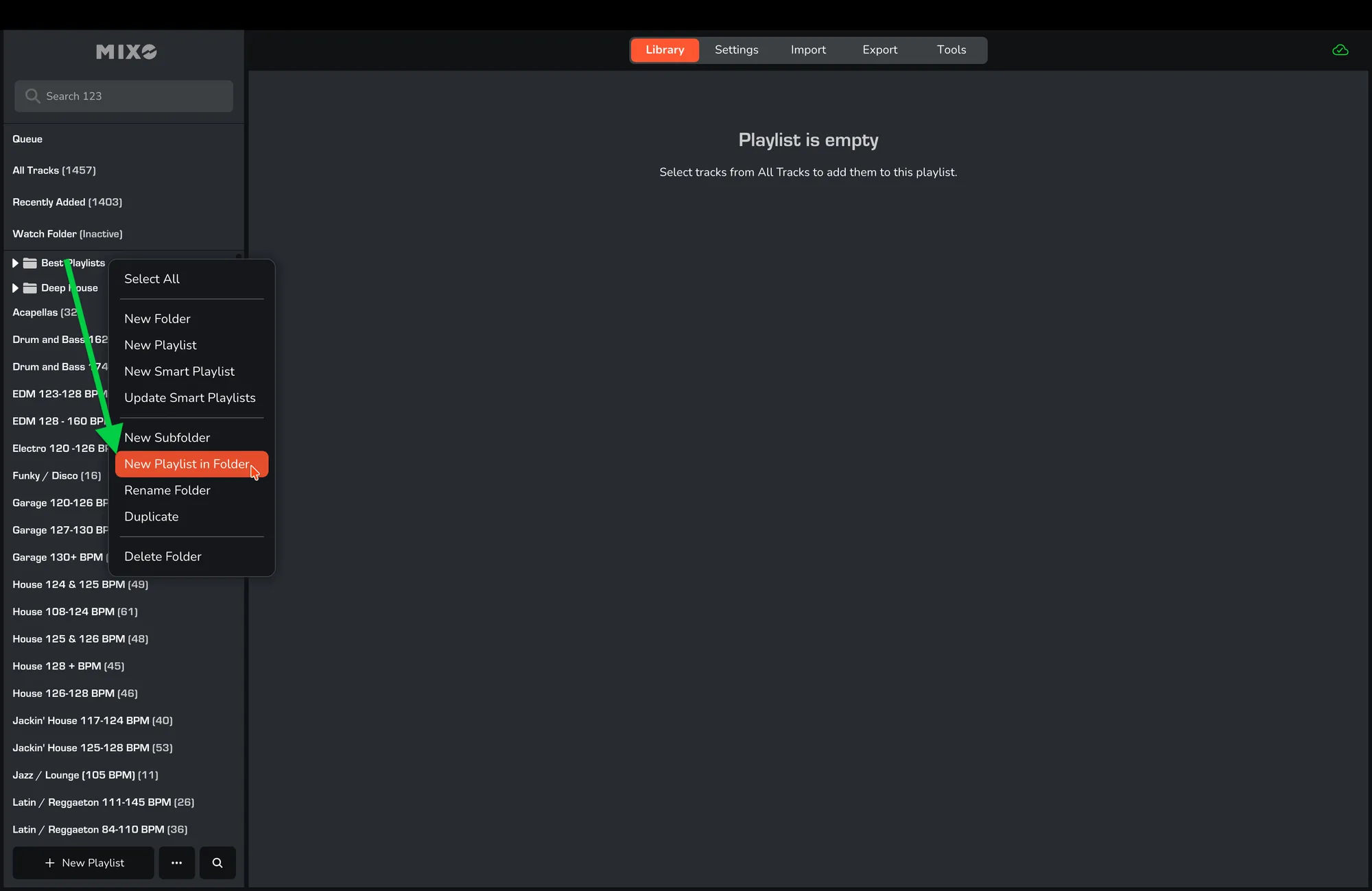
- Right-click on the folder and select ‘NEW PLAYLIST IN FOLDER’.
- Enter a name for the new playlist and click ‘SAVE’.
Once saved, this playlist will appear in the selected folder alongside the other playlists in that folder.